UI Toolkit interfaces in one call chain — no separate line per property and style.
Quick start
The chain keeps the type: new Button().SetText("Create") is a Button, and AddChild returns the parent, not the added child.
Method names
Other Unity methods get names by meaning — see the sections below. The full list is in the API reference.
Children
Every method in the first table has an …If variant.
Styles
every side
The other style methods work the same way.
Colors from strings and assets from Resources
SetImage, SetSprite, SetVectorImage, AddStyleSheet and RemoveStyleSheet also have a …FromResources variant.
Bold and italic
SetNormalUnityFontStyleAndWeight() resets both flags; the other presets change one flag and keep the other:
The presets read the current value from the element's style, not the resolved style: a weight set in USS counts as Normal.
USS classes and style sheets
Values and events
AddValueChanged(evt => …) needs no type arguments: overloads cover every Unity field and, with com.unity.mathematics installed, its types;- for your own types —
SetValue<T, TValue>(…) and AddValueChanged<TField, TValue>(…).
Focus
Manipulators
Editor extensions
PropertyField gets SetLabel and AddValueChanged / RemoveValueChanged with a SerializedPropertyChangeEvent:
var manaCost = new PropertyField(
        serializedObject.FindProperty("_manaCost"))
    .SetLabel("Mana cost")
    .AddValueChanged(_ => Refresh());
To write a property from your own code, see SerializedProperty Extensions.
Open the script on double-click
AddOpenScriptCommand opens the script of a MonoBehaviour or ScriptableObject in the IDE on a left double-click; for any other object it adds nothing:
title.AddOpenScriptCommand(target);
The element's window
Custom USS properties
Package sample
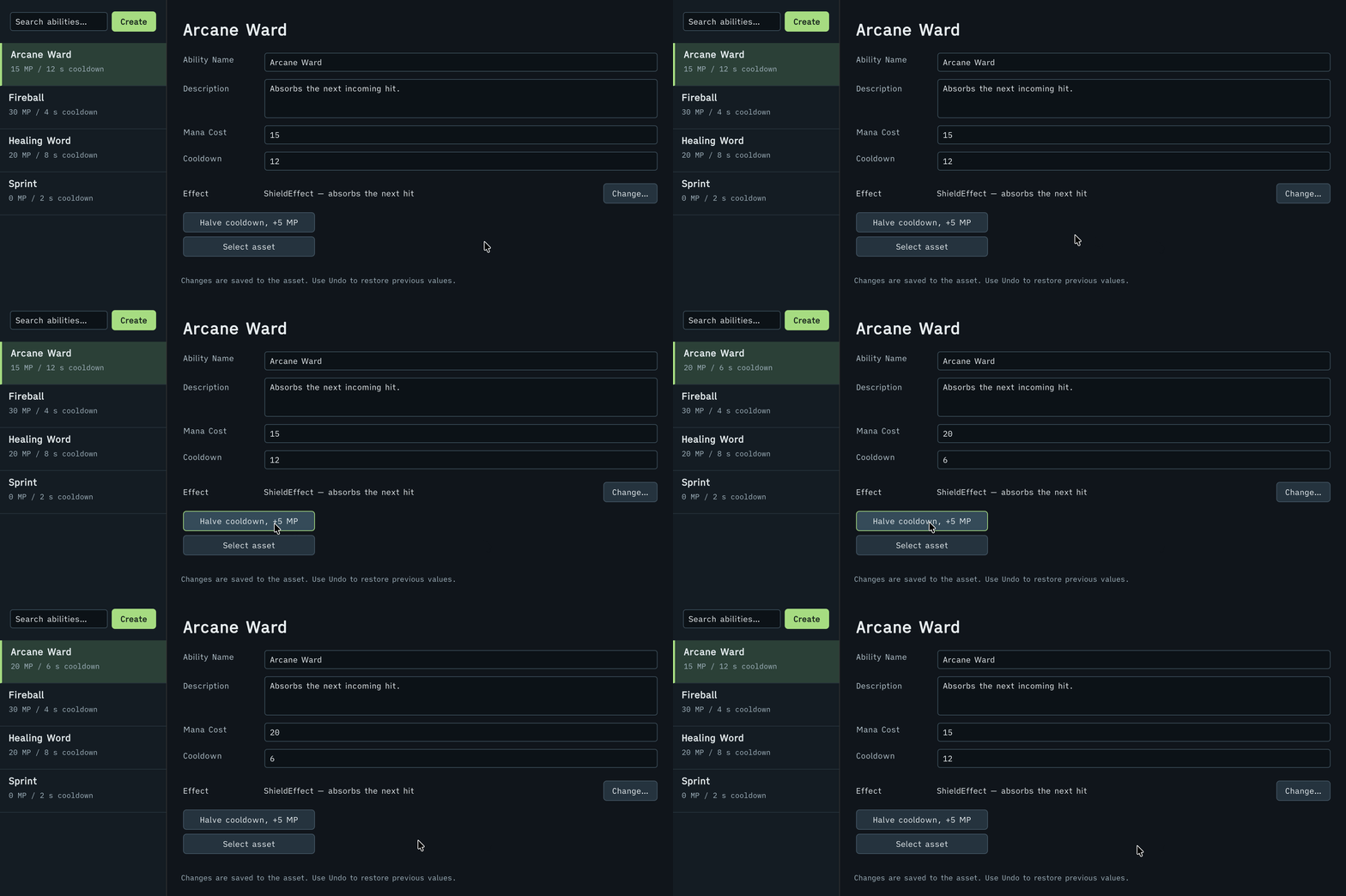
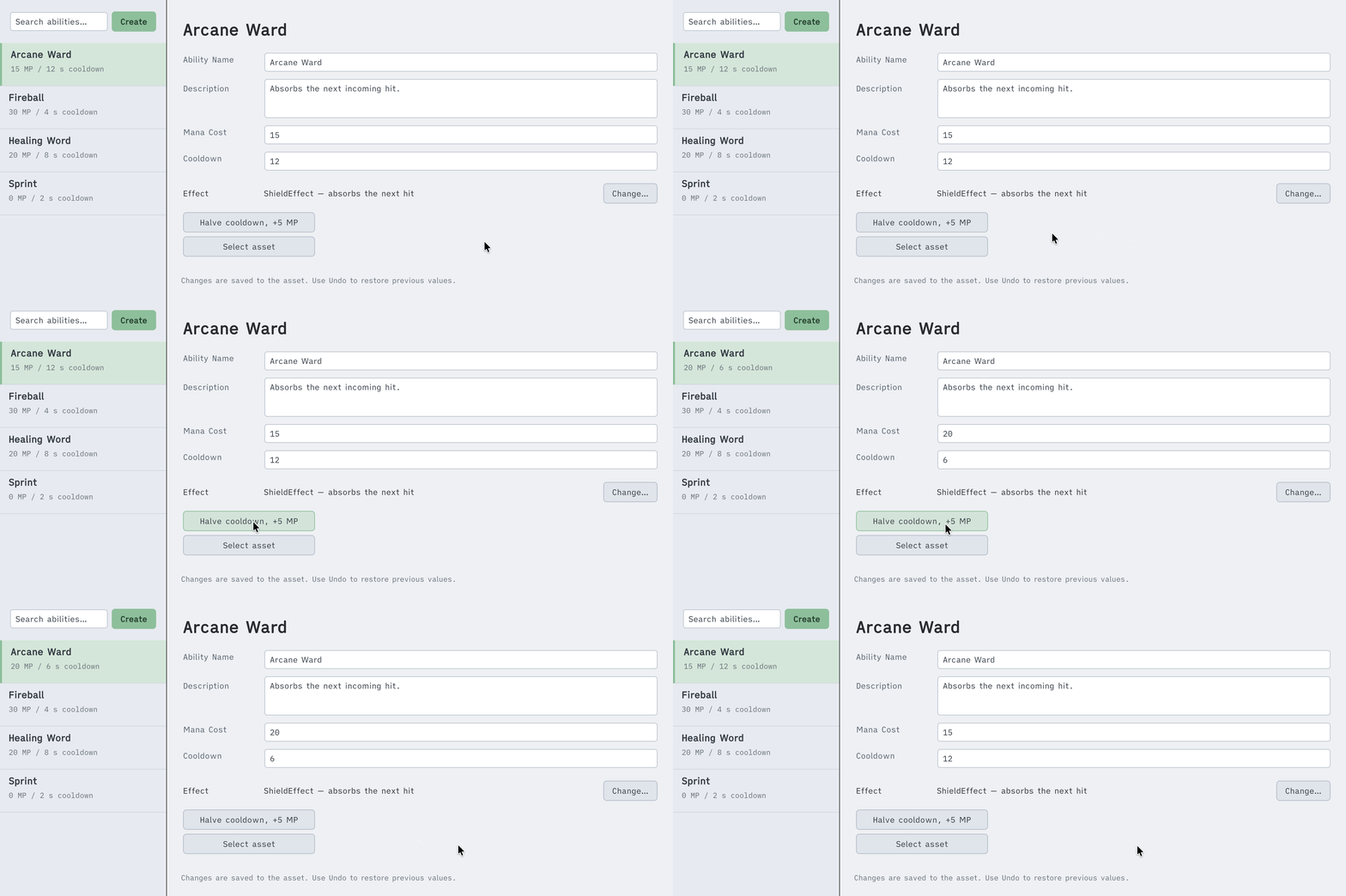
The catalog window and the AbilityConfig inspector in the EditorTools sample are built with these extensions.