SerializeReference Tooling
References to renamed and deleted classes are found across the project and repaired in one go — before they turn into null in a build.
Quick start
Binary assets and Git LFS files that were not fetched are skipped silently: keep Asset Serialization → Mode on Force Text (the default) and fetch LFS files before the check.
Project References: repair a group
Project References and Asset References are tabs of one window. Scan Project reads the .prefab, .asset and .unity files under Assets/, apart from Excluded scan folders.
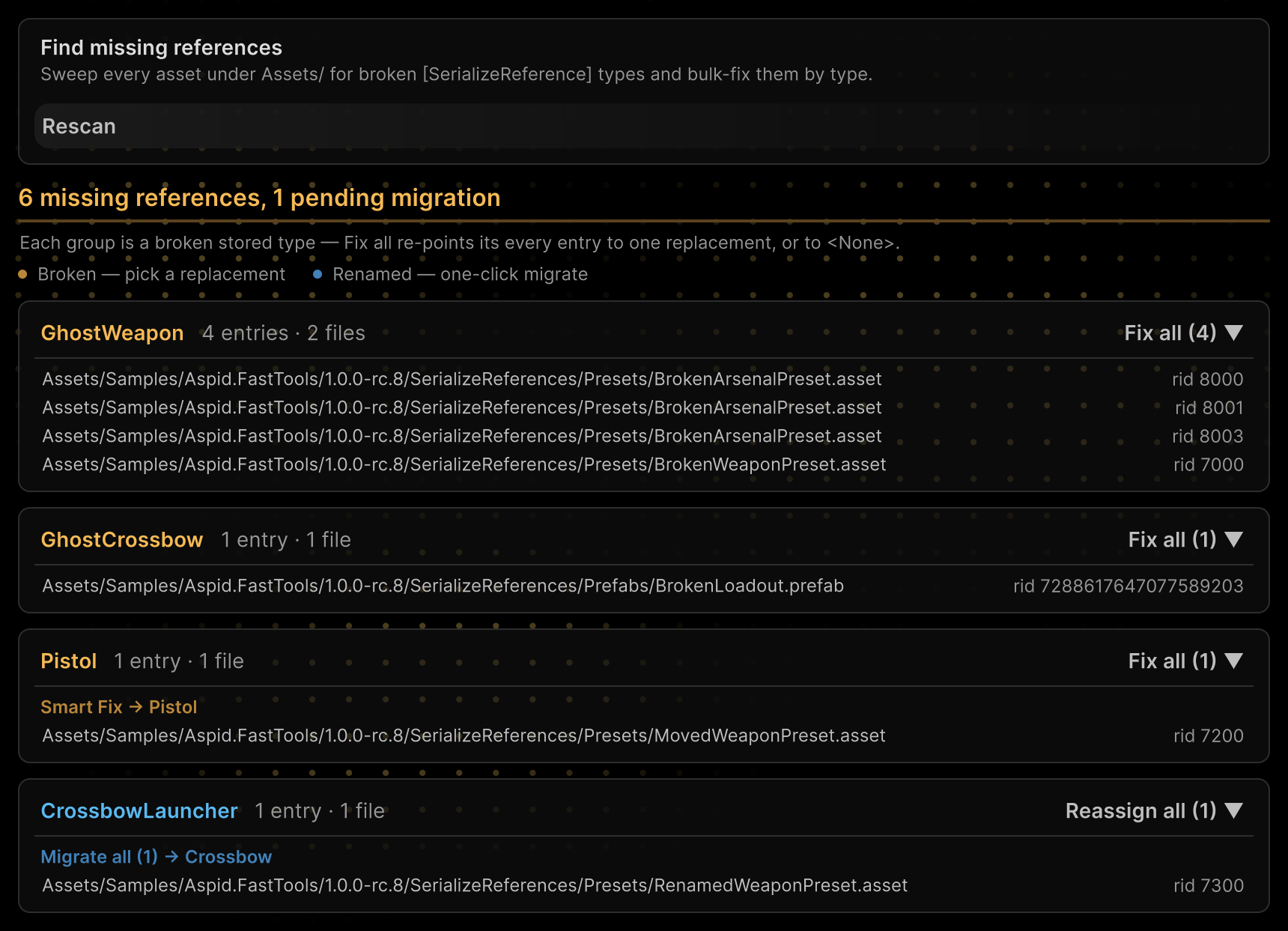
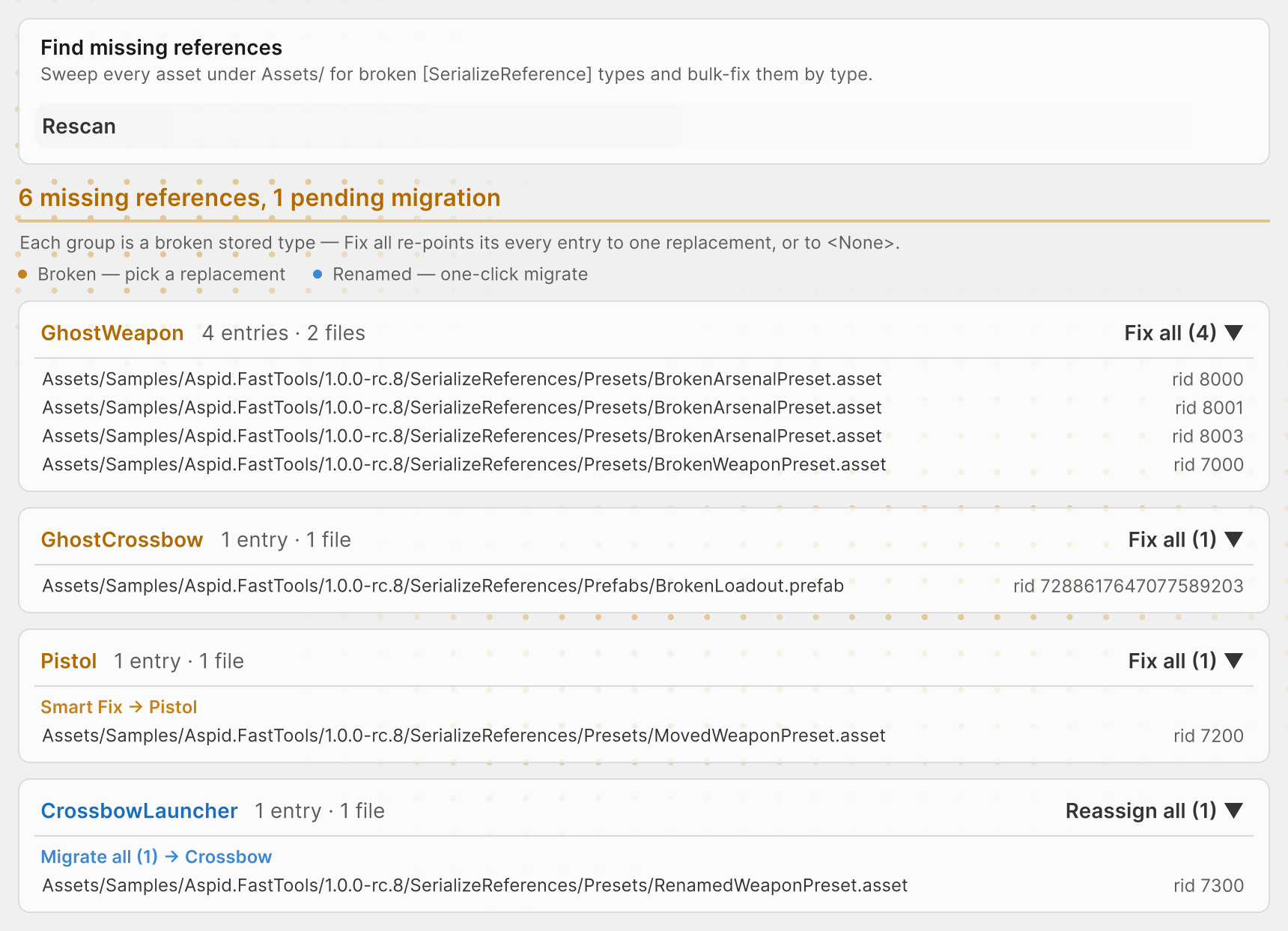
Group actions
| Group | Header button | Row under the header |
|---|---|---|
| Missing type | Fix all ▼ — pick a class for every entry | Smart Fix → Pistol — apply a class with the same or a similar name; the tooltip gives the reason |
Renamed with [MovedFrom] | Reassign all ▼ — pick a different class instead of the new name | Migrate all → Crossbow — write the new name, see Migrations |
Every action asks for Rewrite. <None> in the class picker clears the group's references and deletes their data, fields sharing the same rid included; it asks for Clear and has no Undo.
What repair preserves
A repair rewrites only the entry's class, namespace and assembly; its data and rid stay. When the group's fields have different types, the pick may not fit every entry: incompatible ones become null on reimport.
The summary after a rewrite has Undo: it restores the old class on entries that still hold the new one. It is gone after Rescan, closing the window or a domain reload; Edit → Undo does not revert a rewrite.
Prefab instance overrides
A missing class set through a prefab instance override — in a variant, a nested prefab or an instance in a scene — is listed in a separate Prefab instance overrides card.
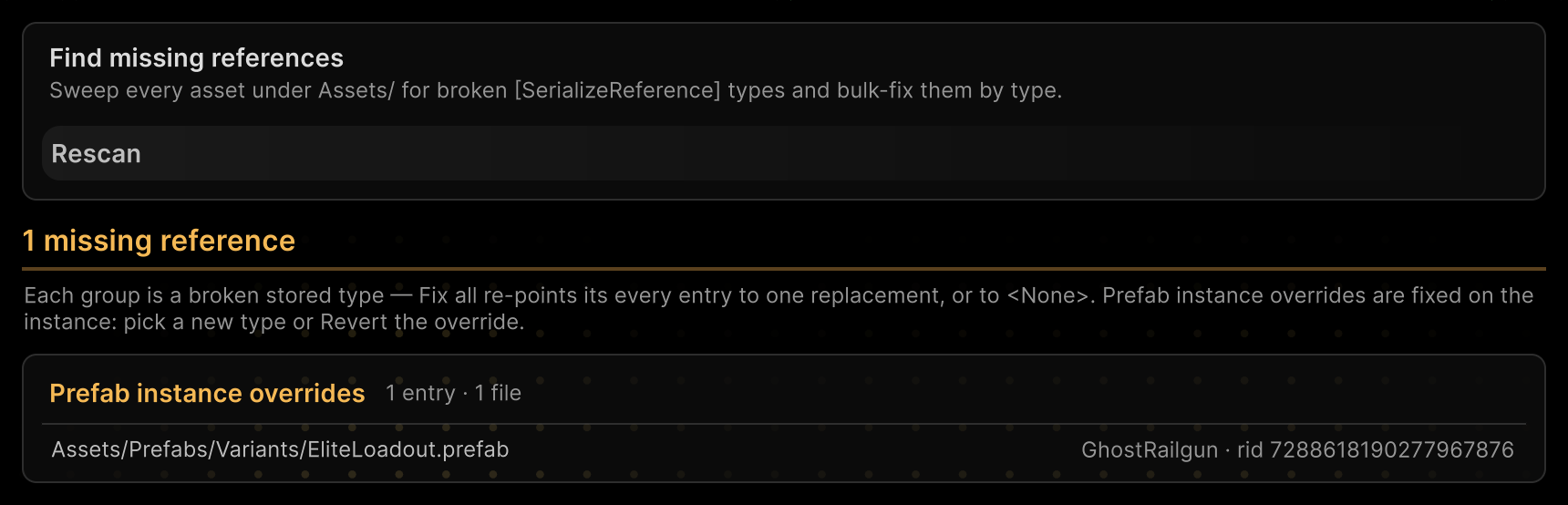
Fix all, Smart Fix, Migrate all and <None> do not rewrite these entries: pick a new class on the instance in the Inspector, or revert the override. Asset References does not show references that exist only in overrides.
Asset References: inspect one asset
Assign a saved prefab, ScriptableObject or scene to the field next to Rescan, or click an entry row in Project References.
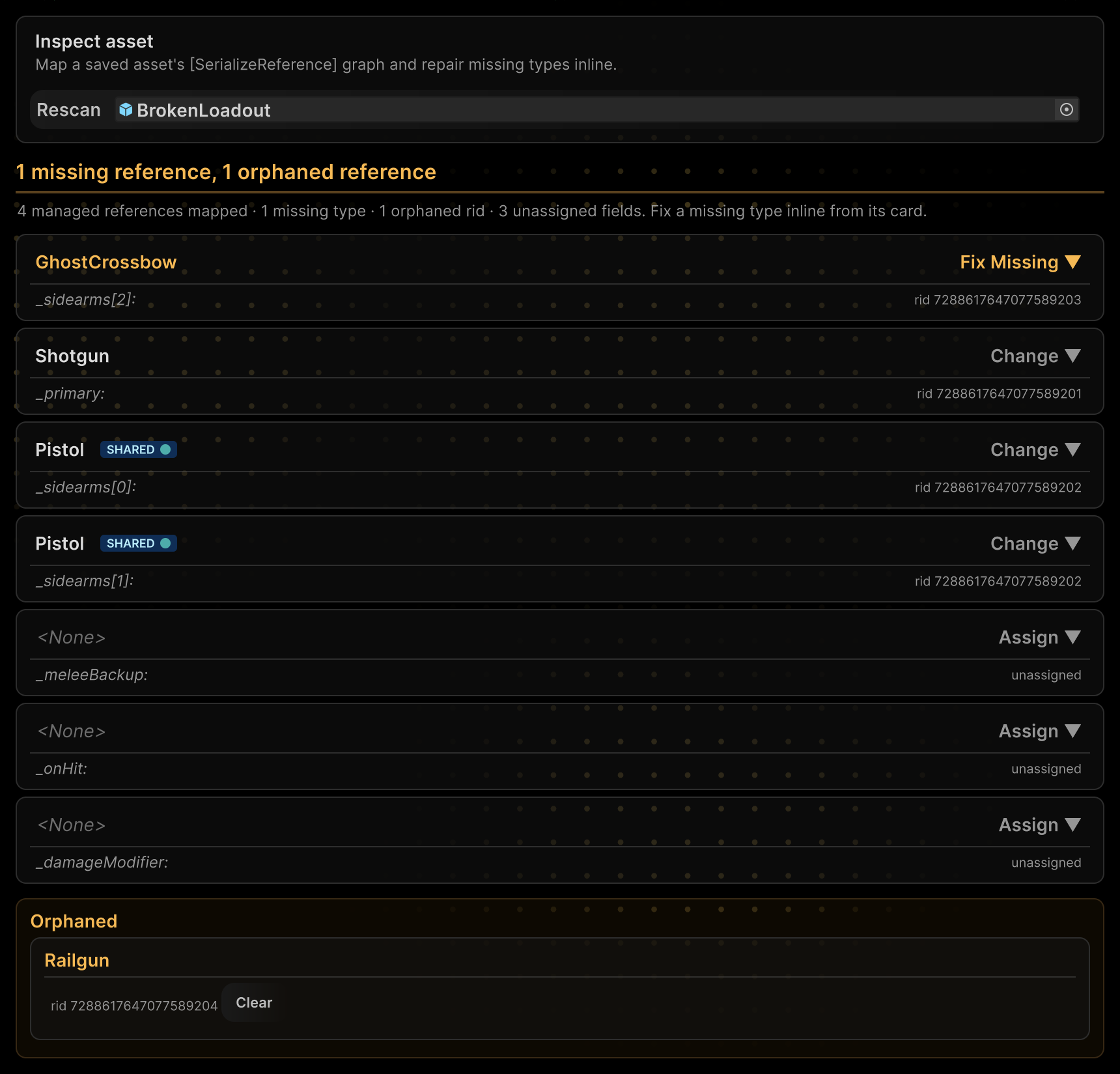
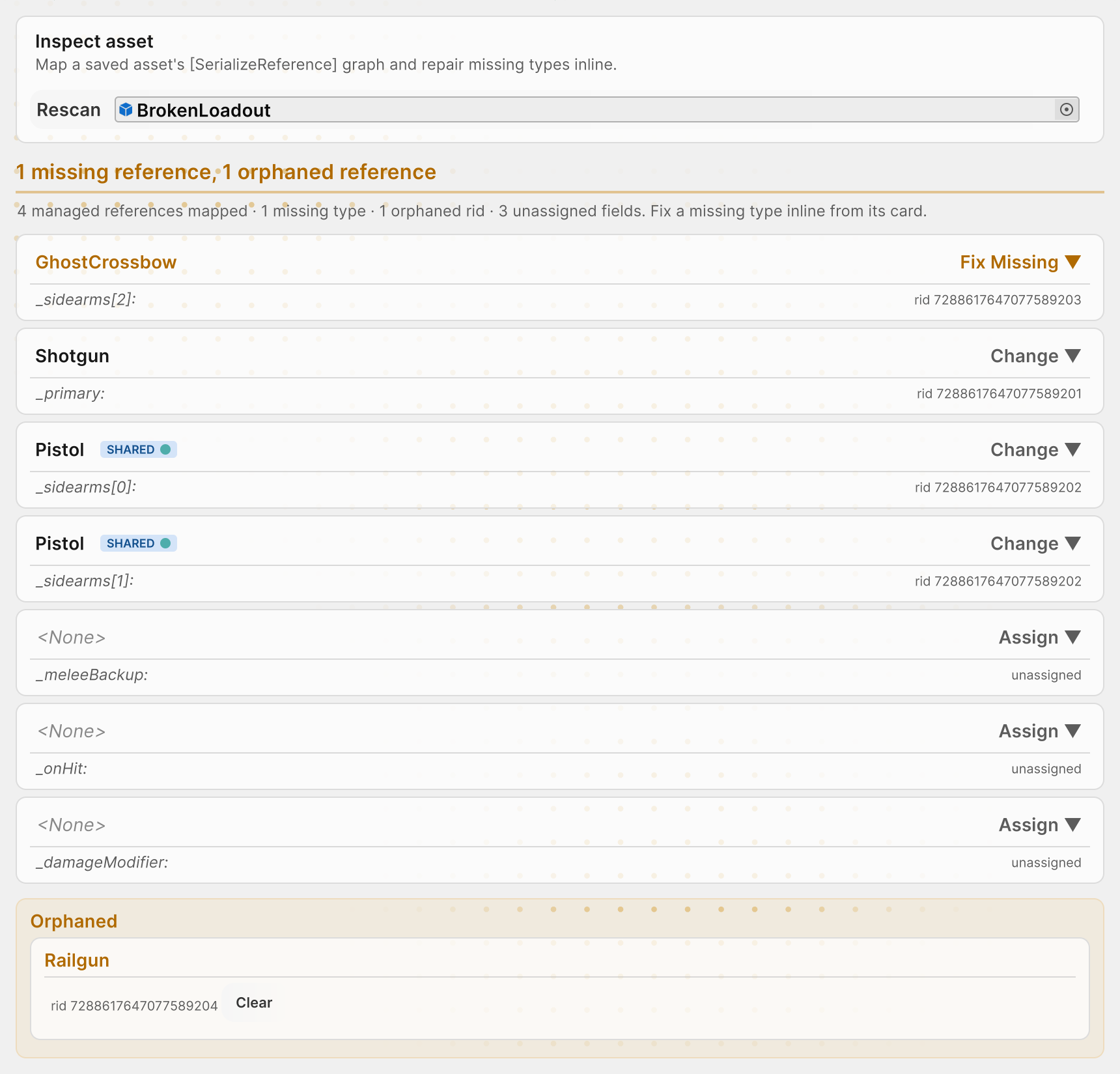
| Label | Meaning |
|---|---|
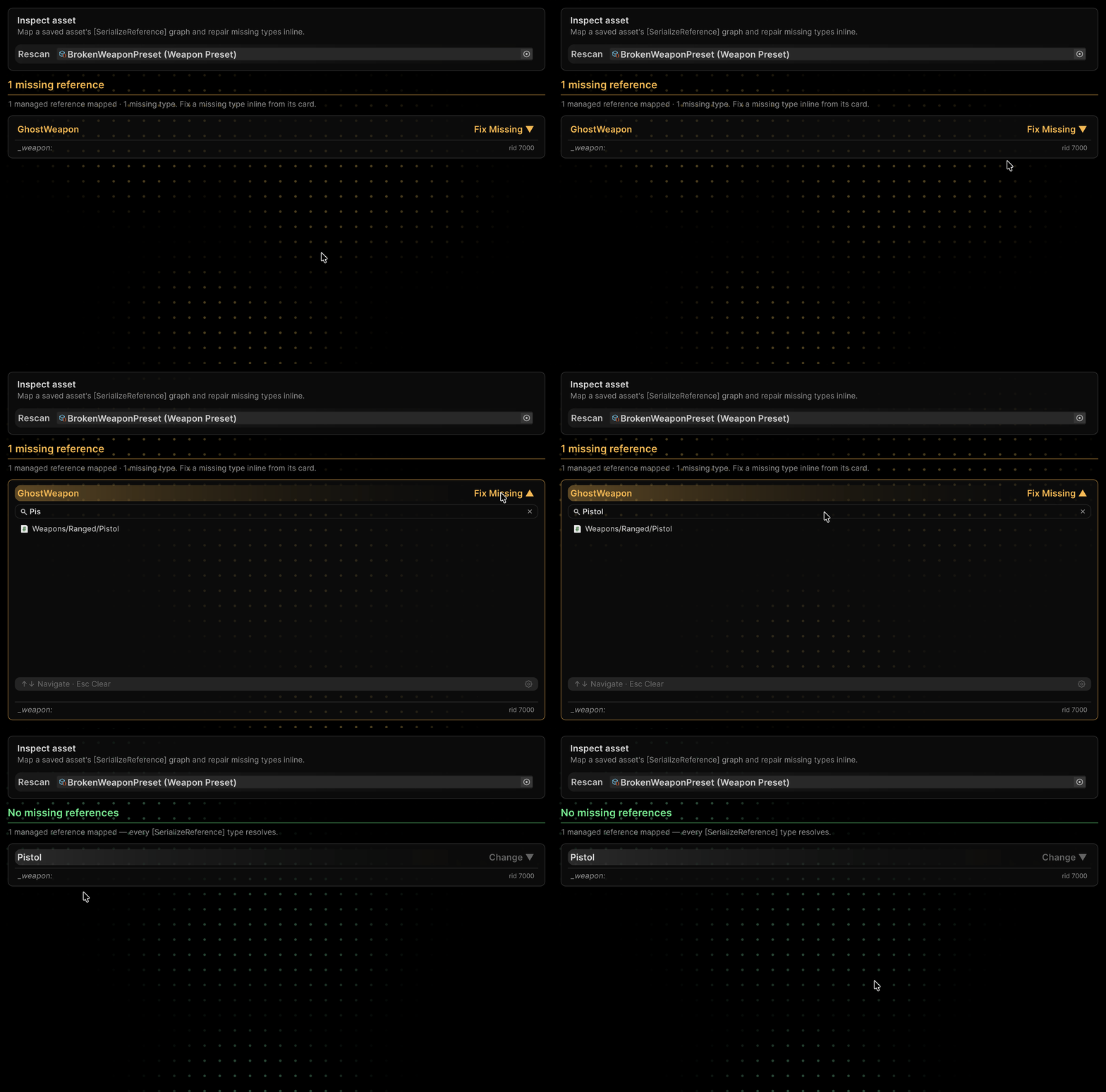
| Band with Fix Missing ▼ | The stored class is not found; the button opens the class picker |
| Smart Fix → Pistol row | A class picked as by Smart Fix in Project References |
| Migrate → Crossbow row under a Fix ▼ band | The class was renamed with [MovedFrom]: the row writes the new name, Fix ▼ picks a different class |
| Band with Change ▼, Assign ▼ or Assign Required ▼ | Changes the class of a healthy reference, fills an empty or required field; the asset is saved at once |
| SHARED | Several fields point at one instance; matching colours mark the connected fields |
| Orphaned | An entry no field points at; Clear deletes it from the file, without Undo |
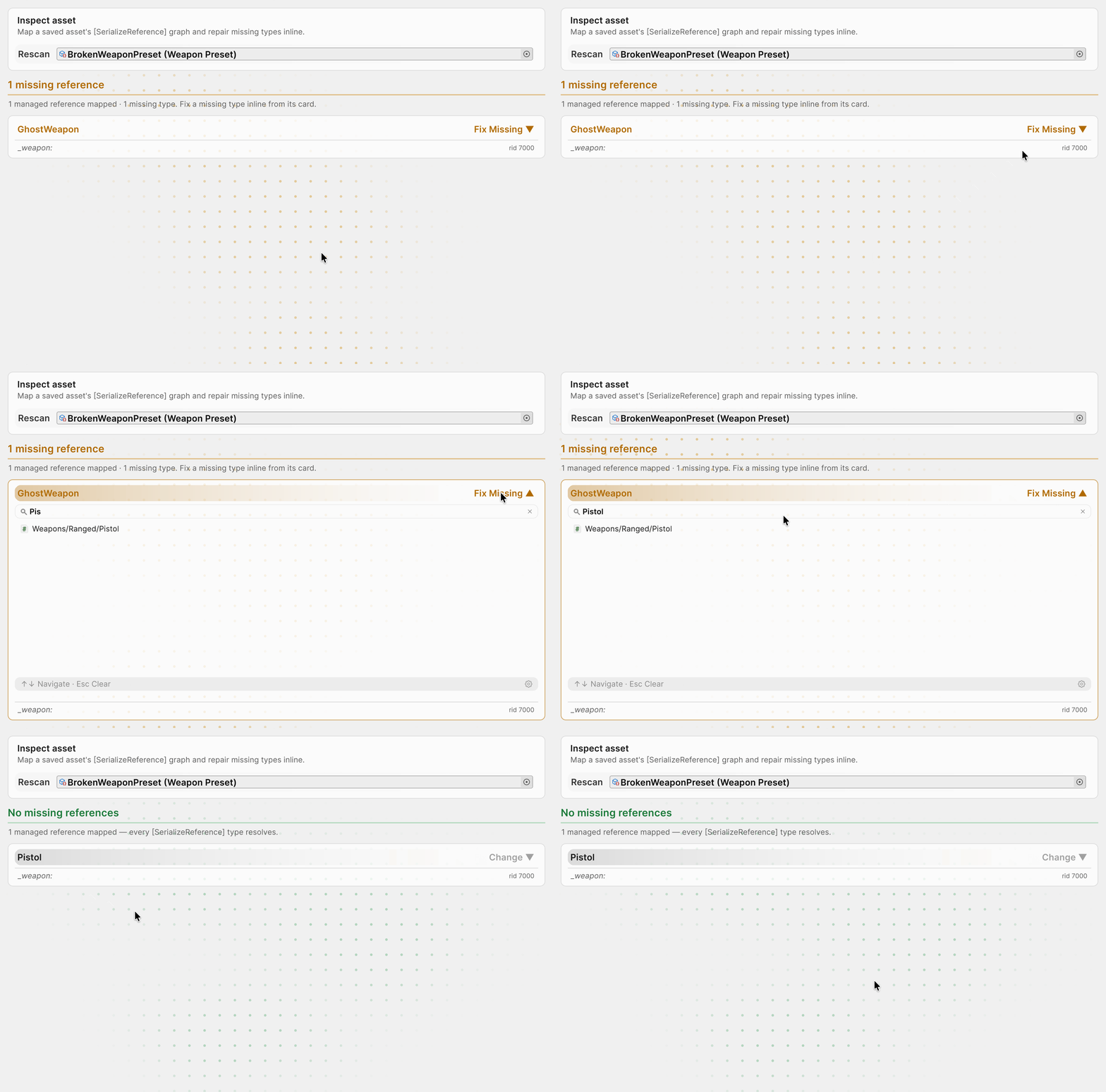
Fix Missing, Smart Fix and Migrate write the class to the file at once, without confirmation, and Edit → Undo does not revert it.
Migrations with MovedFrom
When CrossbowLauncher is renamed to Crossbow with [MovedFrom], Unity loads the old references itself. Migrate all writes the new name into the files so the attribute can be removed:
| In the file — before Migrate all | After |
|---|---|
type: {class: CrossbowLauncher, …} | type: {class: Crossbow, …} |
A group becomes a pending migration only when exactly one class that fits the field lists the old name in [MovedFrom] and the stored class is not a closed generic; the build checks do not count such a group as missing.
Remove [MovedFrom] only when no file stores the old name any more. Migrate all does not rewrite it:
- in prefab instance overrides;
- in open, unsaved and locked files, see limitations;
- in Excluded scan folders;
- in binary assets and Git LFS files that were not fetched;
- in files outside
Assets/.
Pre-build checks
The Build / CI gate setting picks how strict the check is:
| Mode | Player build | Standalone CI run |
|---|---|---|
Off | Skips the check | No scan and no report, an older report stays; exit code 0 |
Warn | Warns and keeps building | Report and violations in the log; exit code 0 |
Fail | Missing types stop the build | Report; exit code 1 on violations |
The build checks every asset under Assets/, not only what goes into it: in Fail mode an unused prefab stops it too — exclude such folders with Excluded scan folders.
What each run checks
| Run | Missing types | Empty fields with Required = true |
|---|---|---|
| Project References → Scan Project | Yes, with pending migrations | Unless the mode is Off, as a Required violations group |
| Asset References | Yes | Yes, in any mode |
| Player build | Unless the mode is Off | No |
CI without -srGateRequired | Unless the mode is Off | No |
CI with -srGateRequired | Unless the mode is Off | Unless the mode is Off |
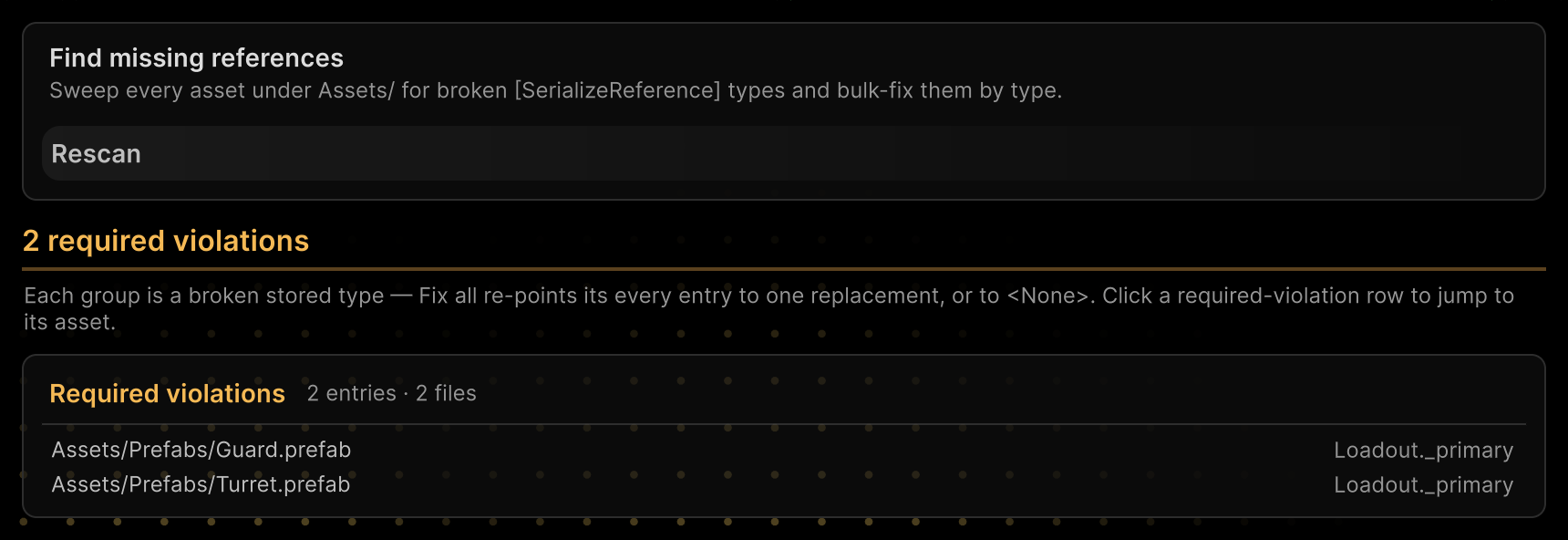
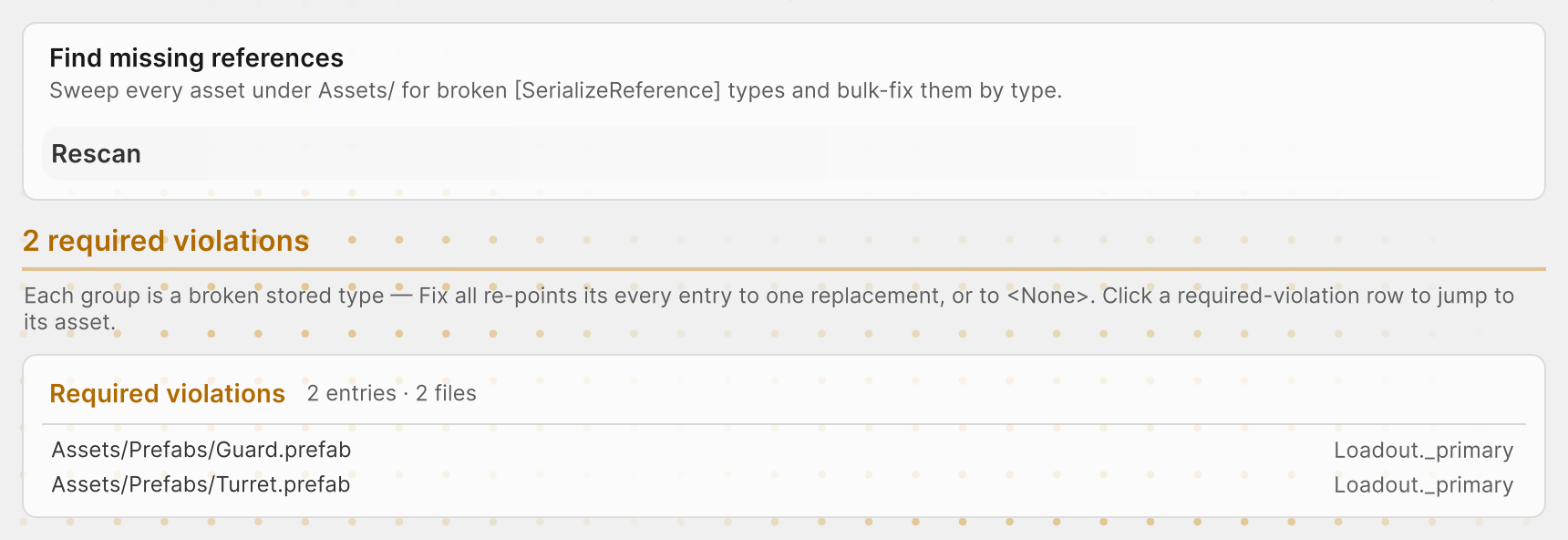
A field is made required with [TypeSelector(Required = true)]; see Required field. In scenes the Required check has limitations.
Running in CI
Unity -batchmode -projectPath . \
  -executeMethod \
  Aspid.FastTools.SerializeReferences.Editors.SerializeReferenceCiGate.RunCheck \
  -srGateReport SerializeReferenceGateReport.txt \
  -srGateRequired -srGateFail
Exit code 2 means the check itself failed.
Command-line flags
| Flag | Behaviour |
|---|---|
-srGateReport <path> | Report path from the project root, SerializeReferenceGateReport.txt by default; the folder must exist, the file is overwritten |
-srGateRequired | Also checks unset fields with Required = true |
-srGateFail | Uses Fail instead of the project's mode, even Off |
-srGateWarnOnly | Uses Warn instead of the project's mode, even Off; takes precedence over -srGateFail if both are passed |
Report
The report starts with a header:
# SerializeReference Gate Report
# Violations: 2
# Not scanned (not text YAML): 2
#   Binary	Assets/Legacy/OldLoadout.prefab
#   LfsPointer	Assets/Levels/Arena.unity
Skipped files do not change the exit code.
Then one line per violation, tab-separated:
KIND assetPath fileId rid className fieldPath origin
| Field | Contents |
|---|---|
KIND | MissingType or RequiredUnset |
assetPath | File path |
fileId | Host object ID within the file; for a prefab instance override, the ID of the prefab instance |
rid | Managed-reference ID; in RequiredUnset rows, -2 for an empty [SerializeReference] and 0 for a string or SerializableType |
className | Stored class name for MissingType |
fieldPath | Required field path; for a MissingType override, the overridden field; otherwise empty |
origin | override for a type set by a prefab instance override; otherwise empty |
In Asset References, find an entry by its rid, and a RequiredUnset row with rid 0 by its fieldPath; an override row is in the Prefab instance overrides card of Project References instead.
Settings
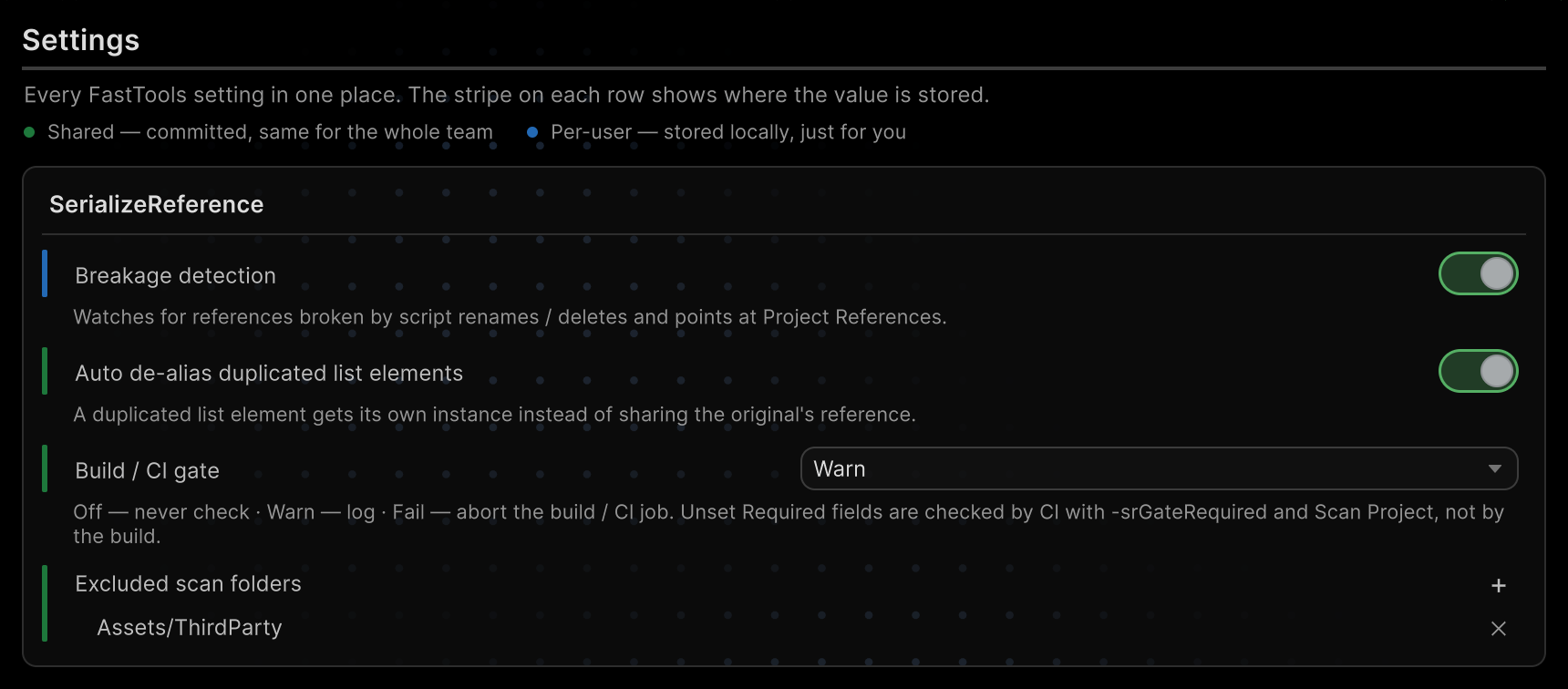
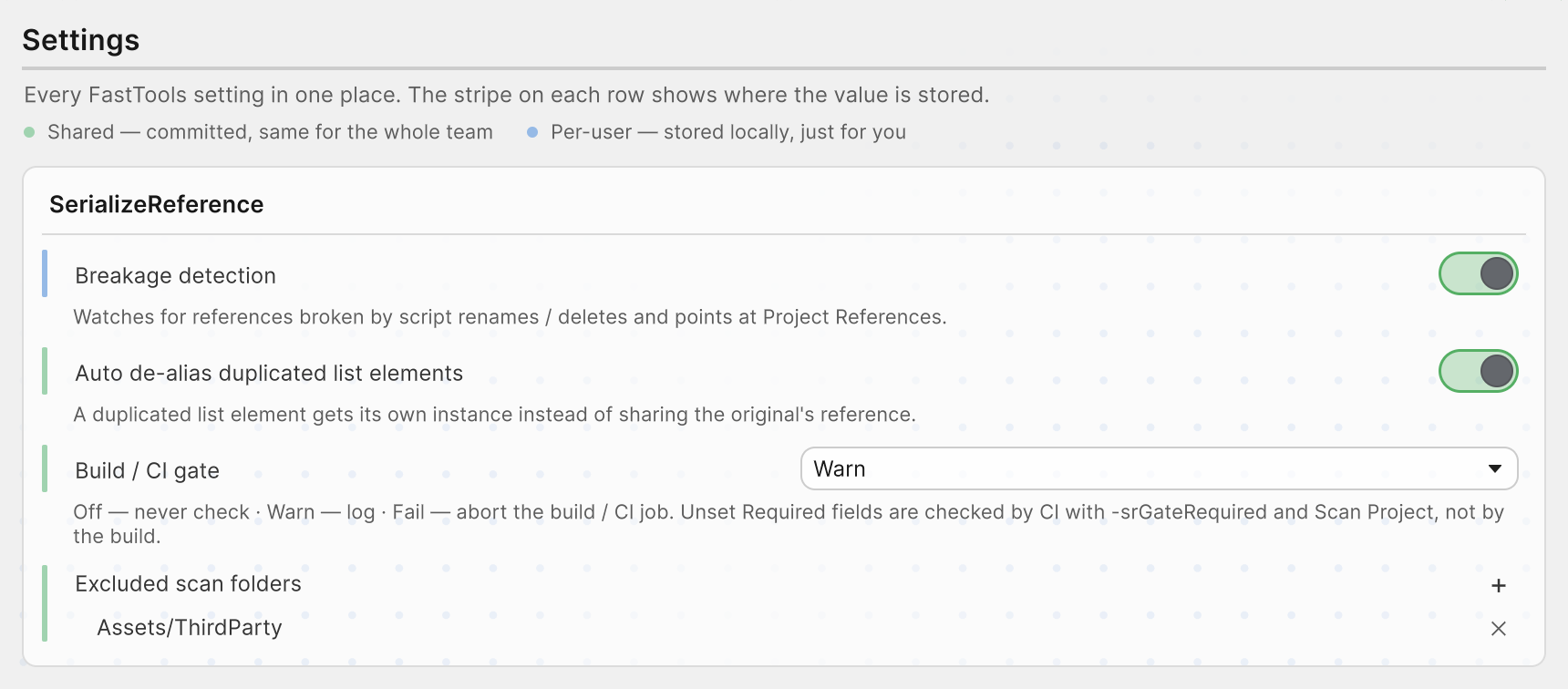
Every setting is in Tools → Aspid 🐍 → FastTools → Settings; the shared ones are also in Project Settings → Aspid.FastTools → SerializeReference, the personal one in Preferences → Aspid.FastTools → SerializeReference.
| Setting | Default | What it does |
|---|---|---|
| Build / CI gate | Warn | Sets how strict the pre-build check and CI are |
| Excluded scan folders | No folders | Folders inside Assets/ that Project References, the build and CI checks and breakage detection skip |
| Auto de-alias duplicated list elements | On | Gives a duplicated list element its own instance instead of a shared rid |
| Breakage detection | On | After scripts or assets change, reports newly missing references with a notification and in the Console |
Breakage detection is kept locally in EditorPrefs; the other settings live in ProjectSettings/SerializeReferenceSharedSettings.asset, shared by the team and CI.
Limitations
| Where | Limitation |
|---|---|
| Open scenes, Prefab Mode, unsaved and locked files | Rewrites skip them: save and close the file, or repair the field with Fix in the Inspector |
| Scenes and fields under a missing parent reference | Asset References changes only missing types |
| Required in scenes | Fields inside managed references, collections and prefab overrides are not checked |
Package sample
Missing types, a [MovedFrom] rename and a shared reference for both tabs are in the assets of the SerializeReferences sample.