EnumValues
A table of values per enum member, filled in the Inspector instead of code.
Quick start
| Before — fields and switch | After — FastTools |
|---|---|
| |
GetValue returns the value from a matching table row, or Default Value if no row matches.
Filling in the Inspector
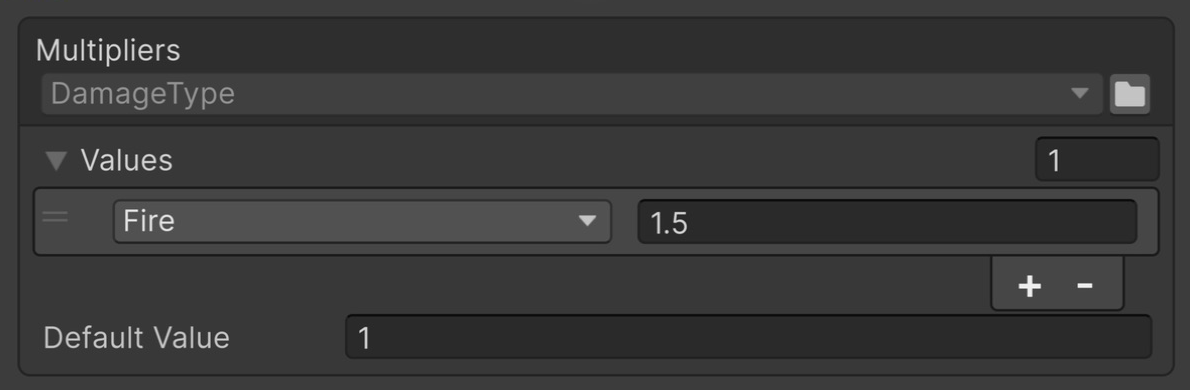
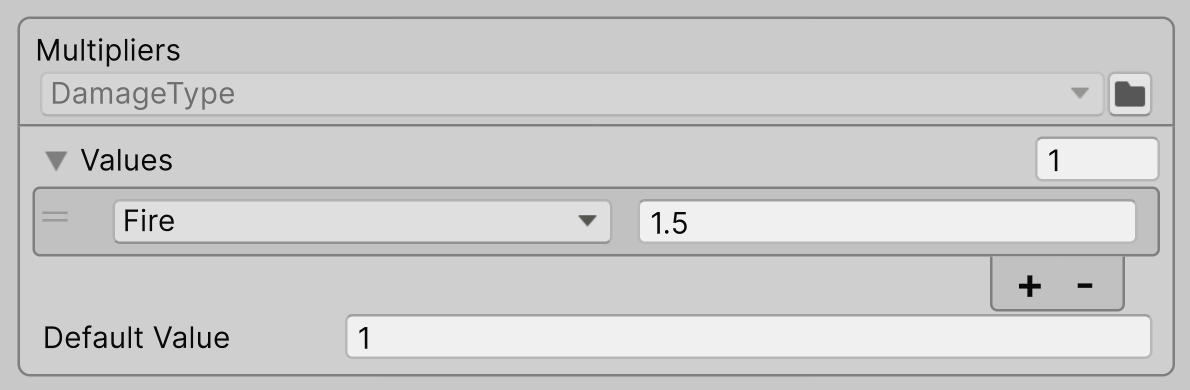
For an enum without [Flags], set the shared value in Default Value and add rows for members that need a different value.
Populate Missing Enum Members in the table header's context menu appends rows for missing enum members and copies Default Value into them.
For [Flags], only declared enum members are added automatically. For example, if the enum declares FireAndIce = Fire | Ice, the command adds a separate row with the key FireAndIce. Combinations without a name can be added manually.
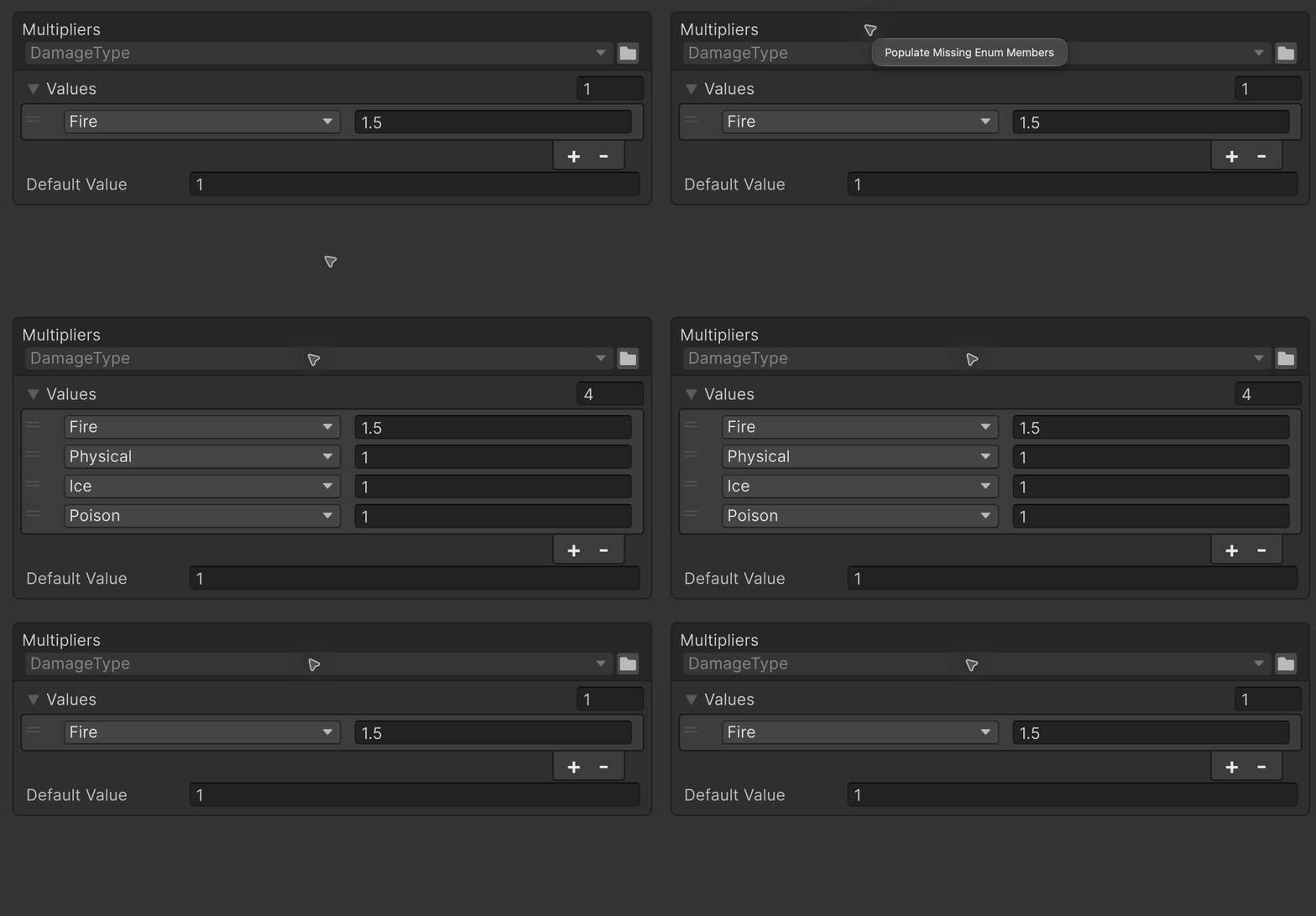
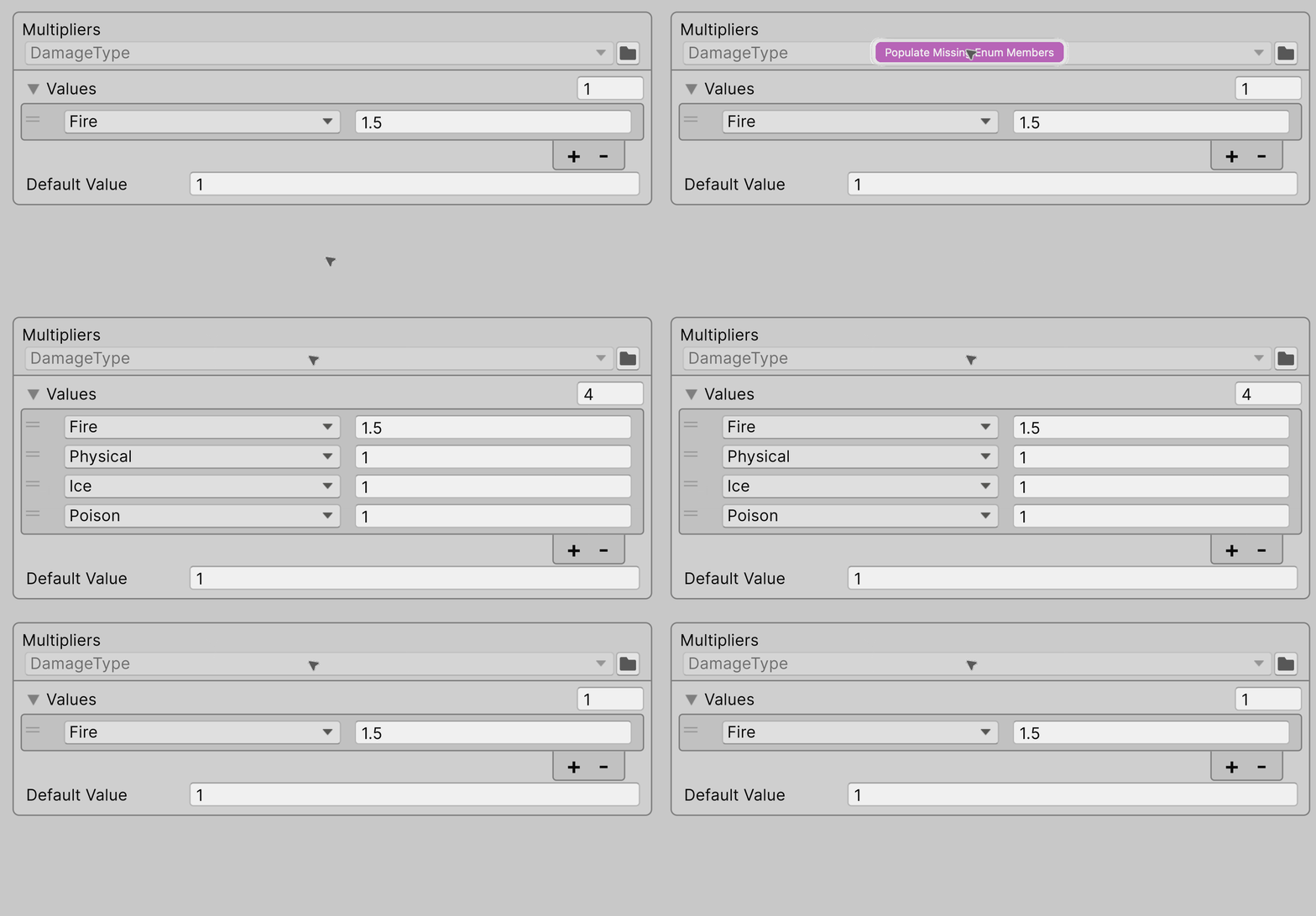
A row added to an empty table shows <None> and is skipped with a Console error until you pick a member.
Choosing a variant
| Difference | EnumValues<TEnum, TValue> | EnumValues<TValue> |
|---|---|---|
| Where the enum is picked | The TEnum argument | The table header in the Inspector |
Key in GetValue and foreach | TEnum | System.Enum |
Boxing in GetValue | None | The key is boxed |
| A key of another enum | Does not compile | Returns Default Value |
- Table values are configured in the Inspector and are read-only from code.
TValueis any type Unity serializes.
With EnumValues<TValue>, the multiplier field is declared as EnumValues<float>, and DamageType is selected in the table header:
[SerializeField]
private EnumValues<float>
    _multipliers;
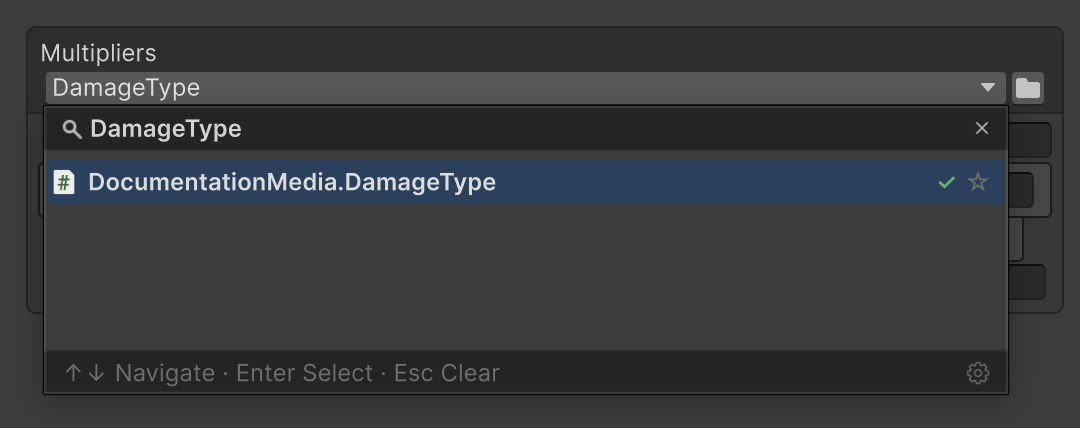
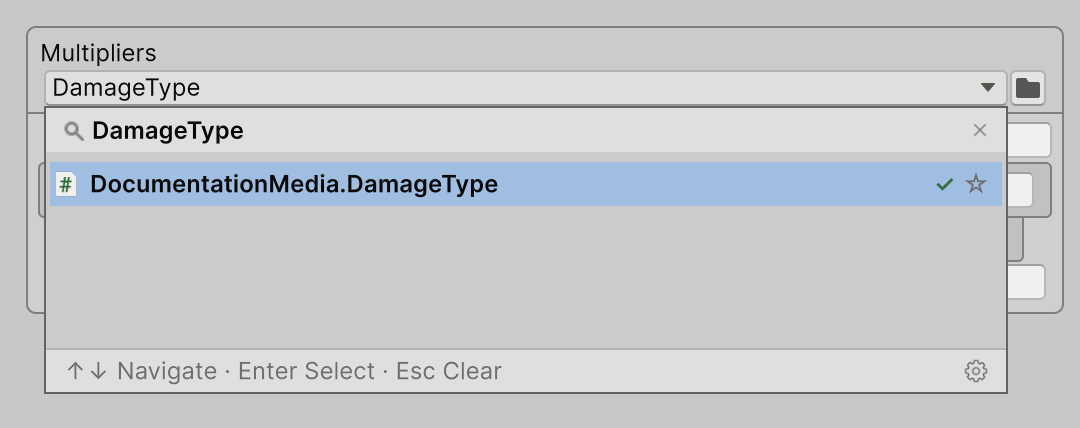
- Selecting an enum is required: if the field is empty, the Inspector shows Required type is not set. The required field check also checks this field.
- The first access to a table with an empty enum field logs a Warning to the Console. Calls to
GetValuereturn Default Value.
Lookup rules
A row's key is its selected enum member. If several rows have the same key, the topmost row is used. Enum members with the same numeric value also count as one key: for example, declaring Frost = Ice gives both names the same value.
| Inspector rows, top to bottom | GetValue argument | Returned value |
|---|---|---|
Fire → 0.9Fire → 0.5 | DamageType.Fire | 0.9 |
Ice → 0.5 | DamageType.Frost | 0.5 |
Flags
[Flags]
public enum DamageType
{
    None = 0,
    Fire = 1,
    Ice = 2,
    Frost = Ice,
    FireAndIce = Fire | Ice,
    Poison = 4
}

[SerializeField]
private EnumValues<DamageType, float>
    _multipliers;
For [Flags], lookup has two stages:
- First, look for an exact match: a row whose key contains exactly the same flags as the argument.
- If there is no exact match, use the topmost row whose flags are all present in the supplied value.
Suppose Default Value is 0 and the Inspector table is filled as follows:
| Order | Key | Value |
|---|---|---|
| 1 | Fire | 0.9 |
| 2 | Ice | 0.5 |
| 3 | FireAndIce | 0.3 |
| 4 | None | 1 |
For this table, GetValue returns these results:
| Argument | Value | Why |
|---|---|---|
Fire | Ice | 0.3 | Exact match with FireAndIce (row 3): both flags match |
Fire | Ice | Poison | 0.9 | The argument contains all the flags of rows 1, 2 and 3. With no exact match, row 1 is used |
Ice | Poison | 0.5 | Ice (row 2) matches. Rows 1 and 3 also need Fire, which is absent from the argument |
Poison | 0 | No matching row — Default Value |
None | 1 | A zero key matches only a zero argument |
Moving the FireAndIce row above Fire makes a call for Fire | Ice | Poison return 0.3. Row order determines priority when there is no exact match.
A row whose value equals Default Value still participates in lookup. Adding a Fire | Poison row with value 0 makes a call for that combination return 0 by exact match, instead of 0.9 from the Fire row.
Equals()
The table method checks whether a key matches a request without reading values:
var request =
    DamageType.Fire | DamageType.Ice;
var key = DamageType.Fire;
_multipliers.Equals(request, key);
| Request | Key | Result |
|---|---|---|
DamageType.Fire | DamageType.Ice | DamageType.Fire | true |
DamageType.Fire | DamageType.Fire | DamageType.Ice | false |
DamageType.Fire | DamageType.Ice | DamageType.None | false |
DamageType.None | DamageType.None | true |
In EnumValues<TValue>, Equals returns false if either argument has a different enum type from the one selected in the Inspector.
Enumerating rows
var total = 0f;
foreach (var entry in _multipliers)
    total += entry.Value;
Default Value and rows with unresolved keys are not yielded. After the first access initializes the keys, a direct foreach over the table does not allocate. Iteration through IEnumerable boxes the enumerator.
When the enum changes
Keys are stored by member name:
| Change | Result |
|---|---|
| Members reordered or their numeric values changed | Rows remain bound to names. Changing aliases or flag bit patterns can change lookup results |
| A member renamed or deleted | Its row shows <Missing Ice> and is skipped with a Console error; restore the name and the row works again |
| The enum renamed or moved to another namespace or assembly | EnumValues<TEnum, TValue> works as before; EnumValues<TValue> returns Default Value and logs an error until the enum is picked again |
Another enum picked in EnumValues<TValue> | The keys are kept: pick the previous enum back and the rows work again |
Package sample
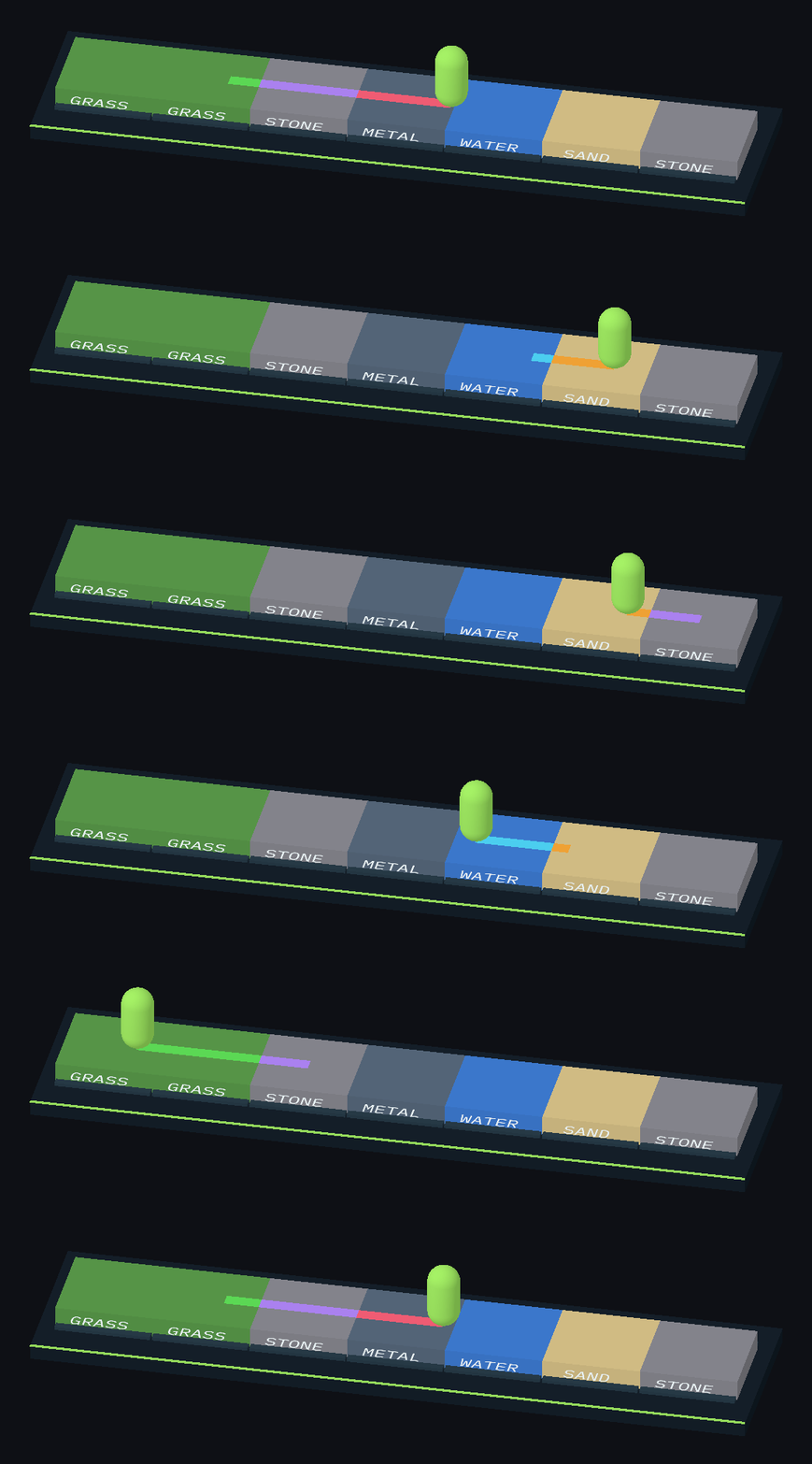
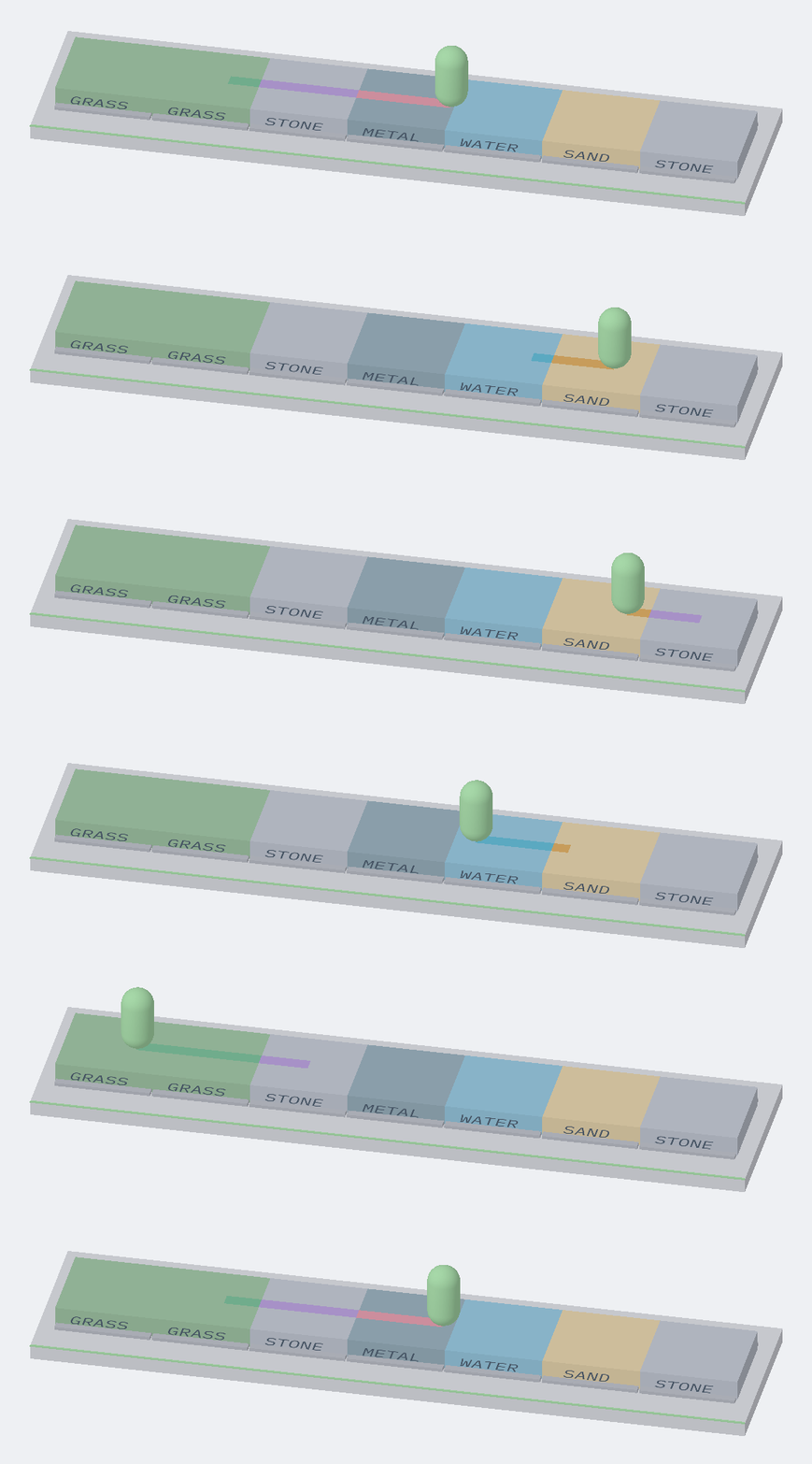
Tiles and footprints take their colour from EnumValues<SurfaceType, Color>, and the speed multiplier from an EnumValues<float> with a [Flags] enum picked in the Inspector: EnumValues.