README
Unity 6000.0.53f1+ Release 1.0.0 MIT
Aspid.FastTools is a Unity package that takes the routine out of serialization, profiling and editor code.
Installation
Requires Unity 6000.0.53f1 or newer. If you got the package from the Asset Store, skip the git URL and install it from My Assets in the Package Manager.
Troubleshooting
Compile errors right after the install. The Unity version is older than 6000.0.53f1: earlier 6000.0 patches lack UI Toolkit APIs that the package uses. Check it in Help → About Unity (Unity → About Unity on macOS).
The Console shows Assembly with name 'Aspid.FastTools' already exists. The project has a second copy of the package, for example its folder under Assets. Delete the copy.
Switching between the Asset Store and the git URL. Both install the same package, tech.aspid.fasttools, so remove it in Window → Package Manager (In Project) first, then install it from the other source.
Features
Serialization
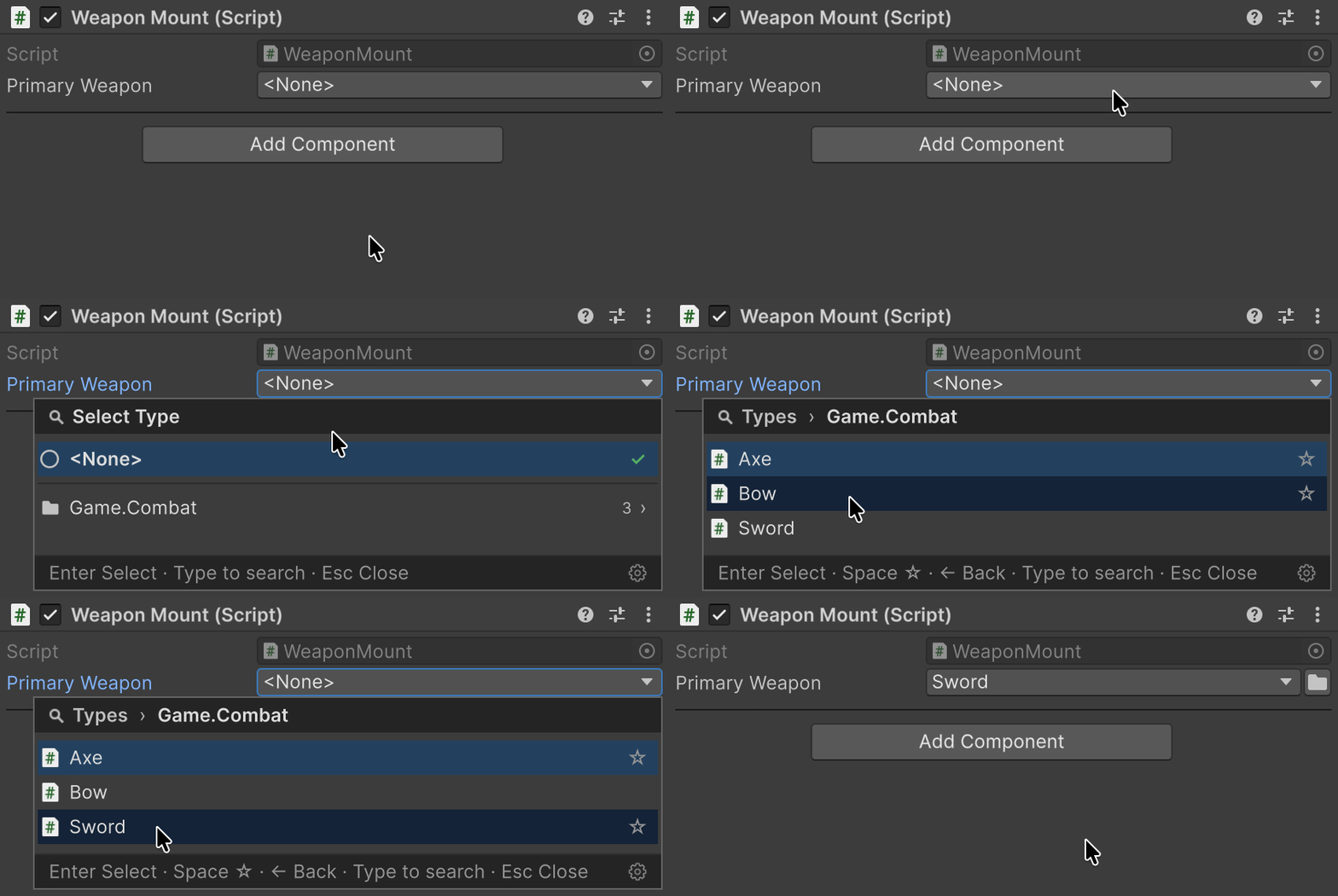
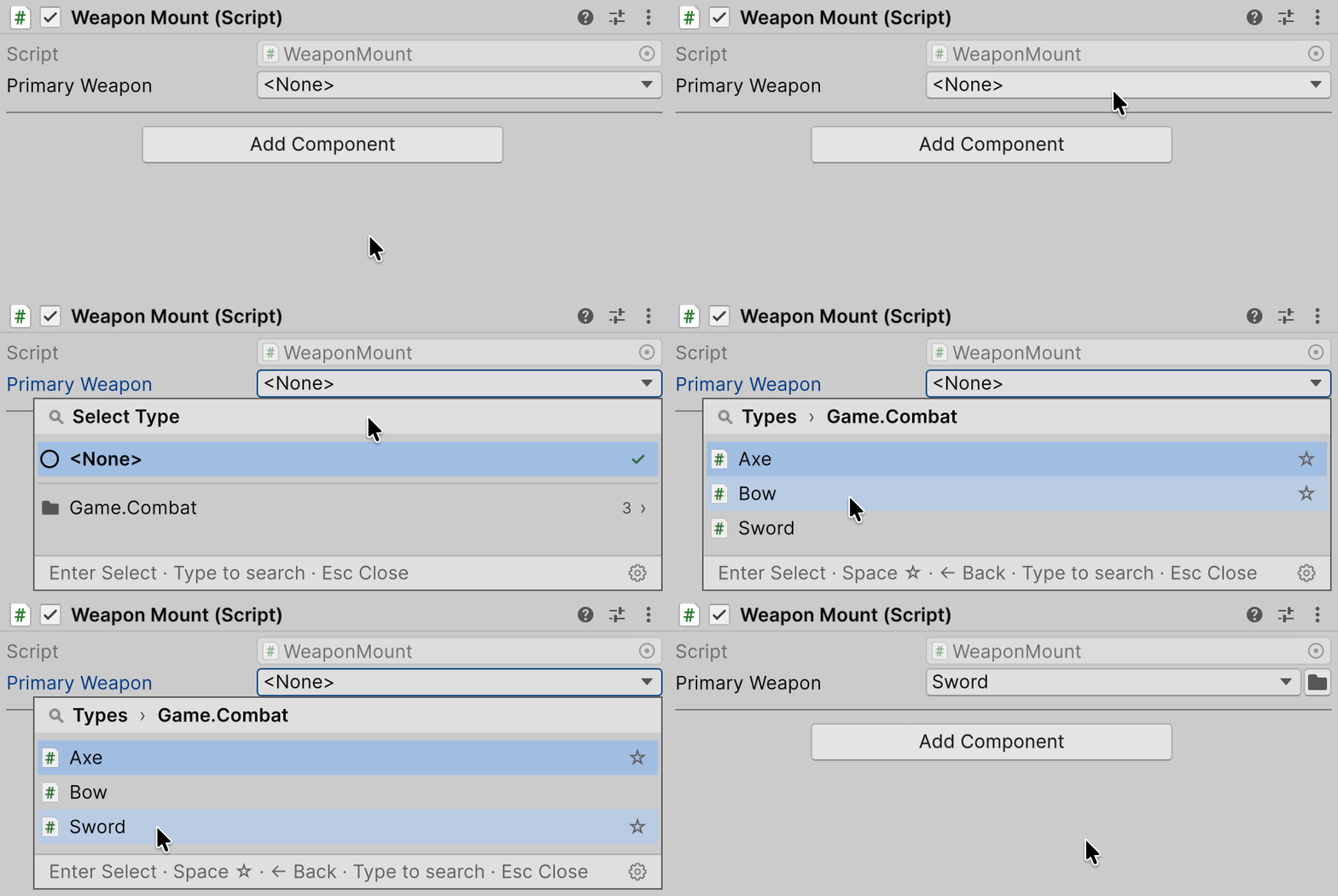
Stores a System.Type in a component or an asset and lets you pick it in the Inspector from compatible types. TypeSelector narrows the list.
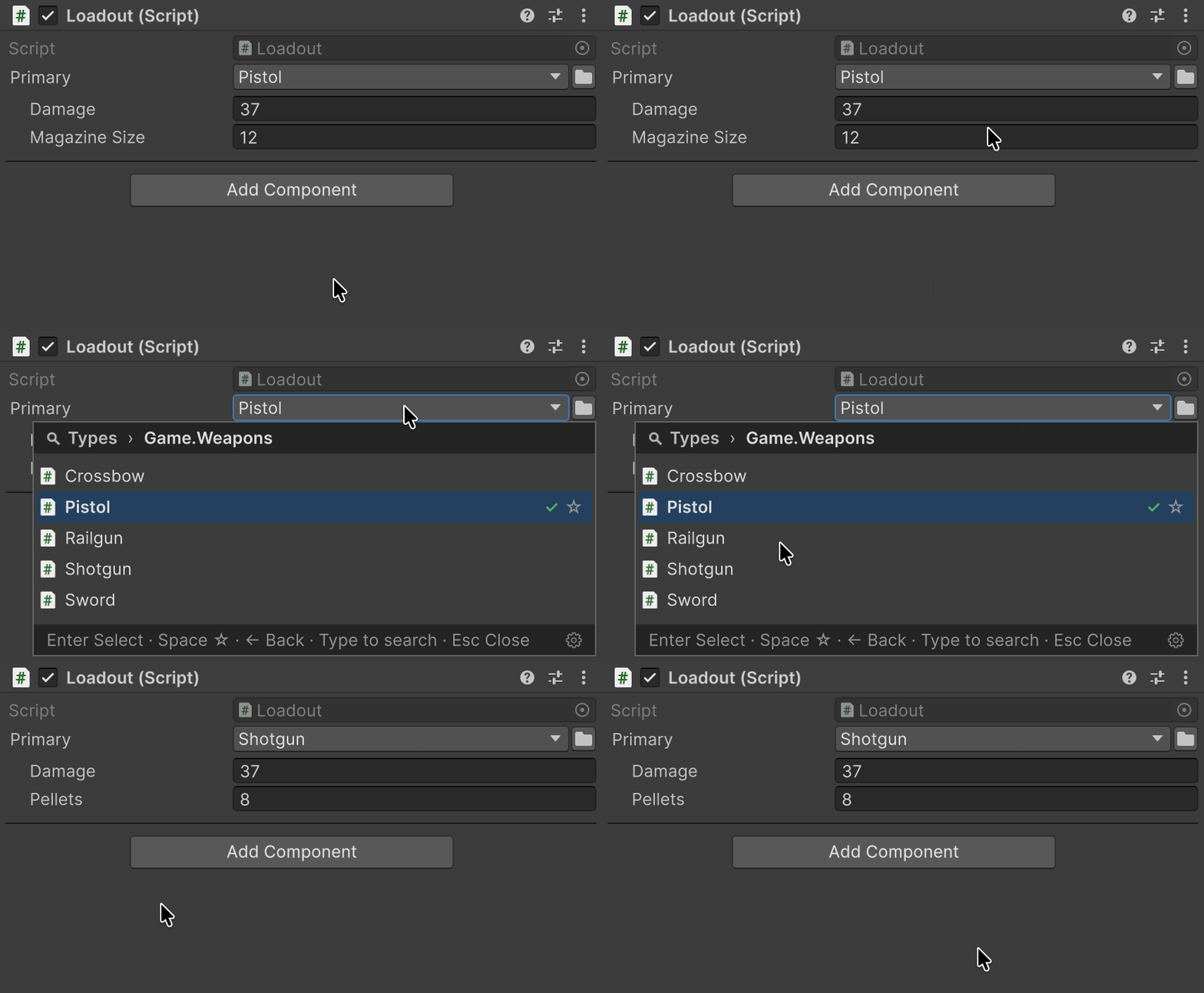
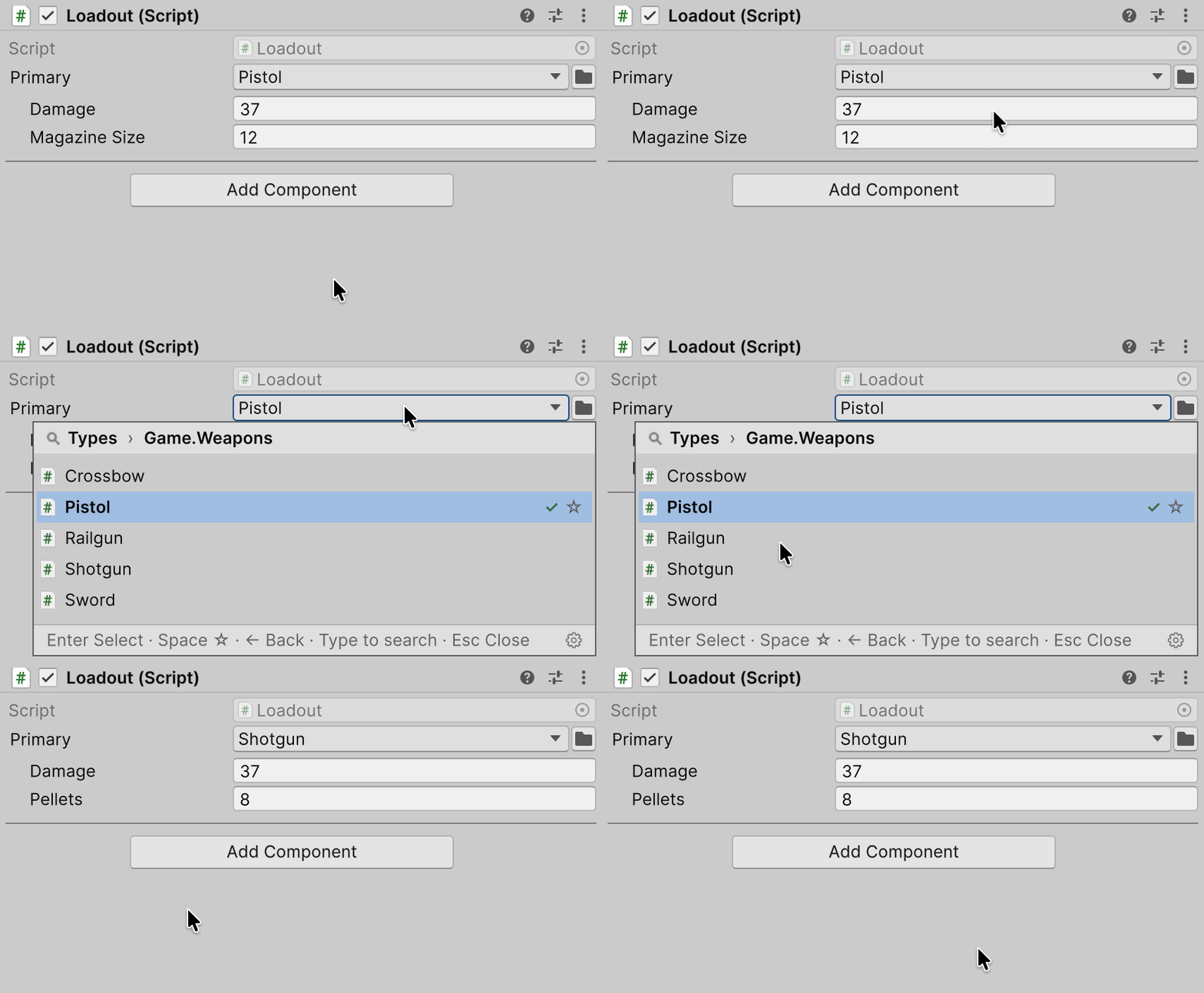
Lets you pick the class for a [SerializeReference] field in the Inspector and carries compatible data over when the class changes.
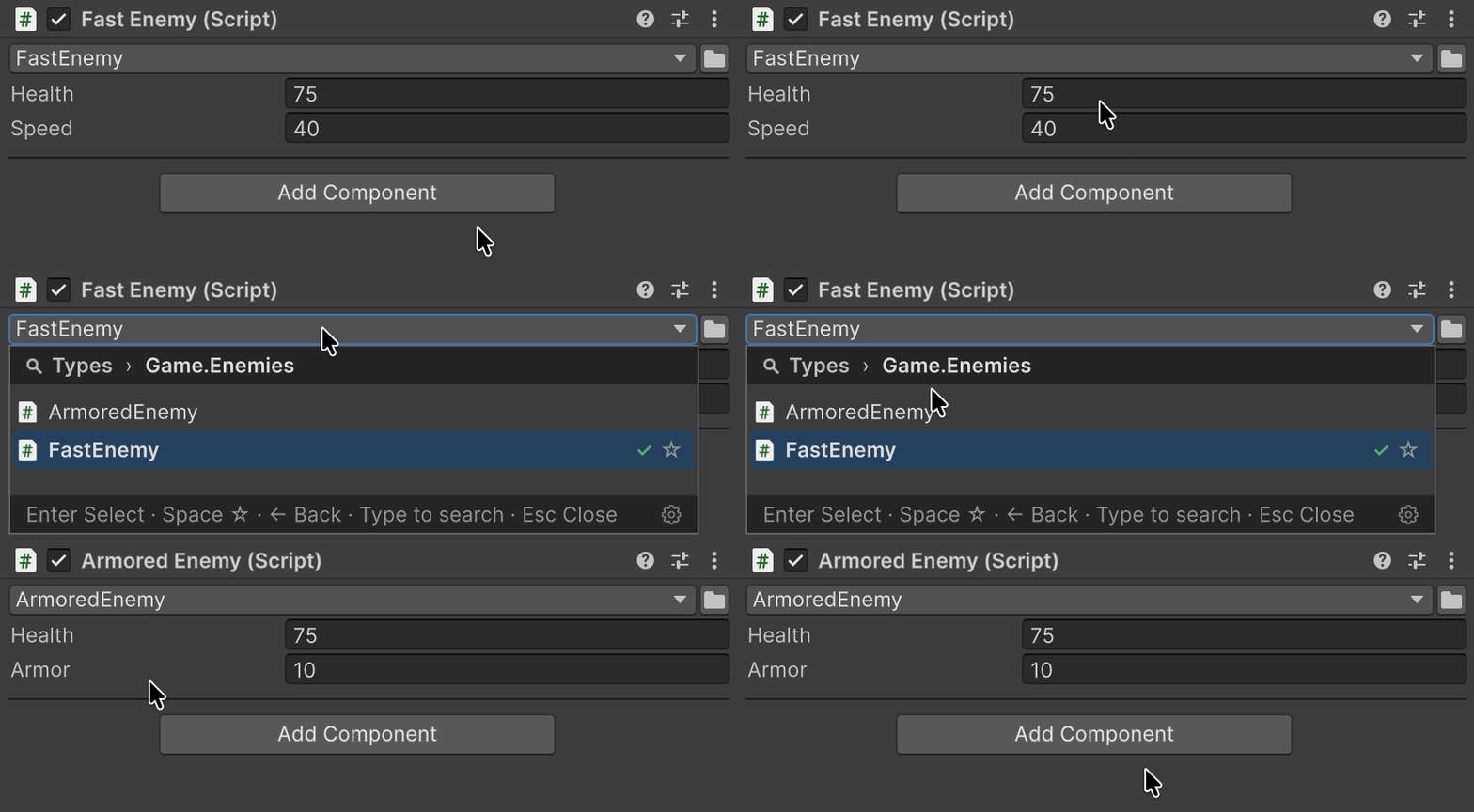
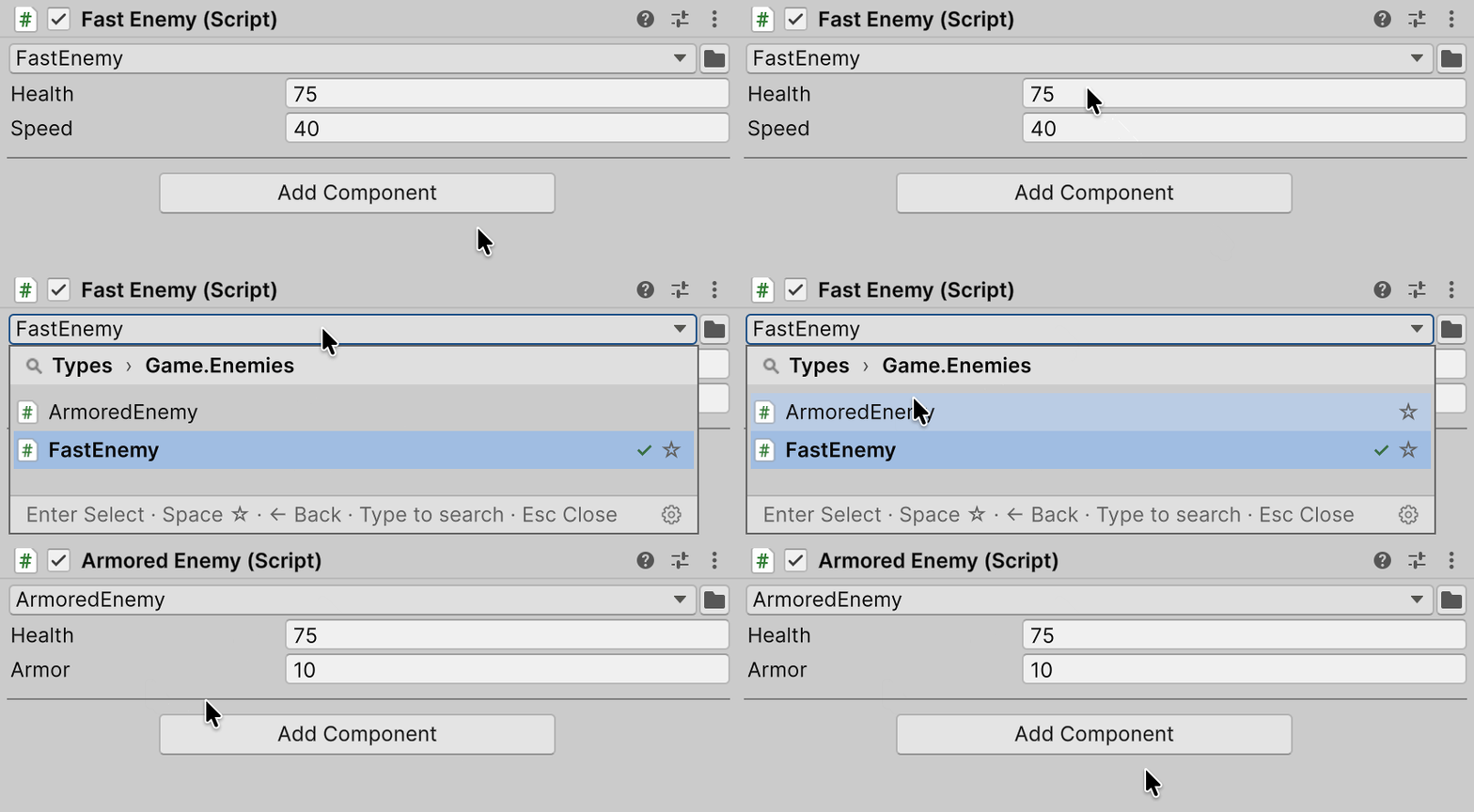
Changes an added component to a derived class without losing shared field values.
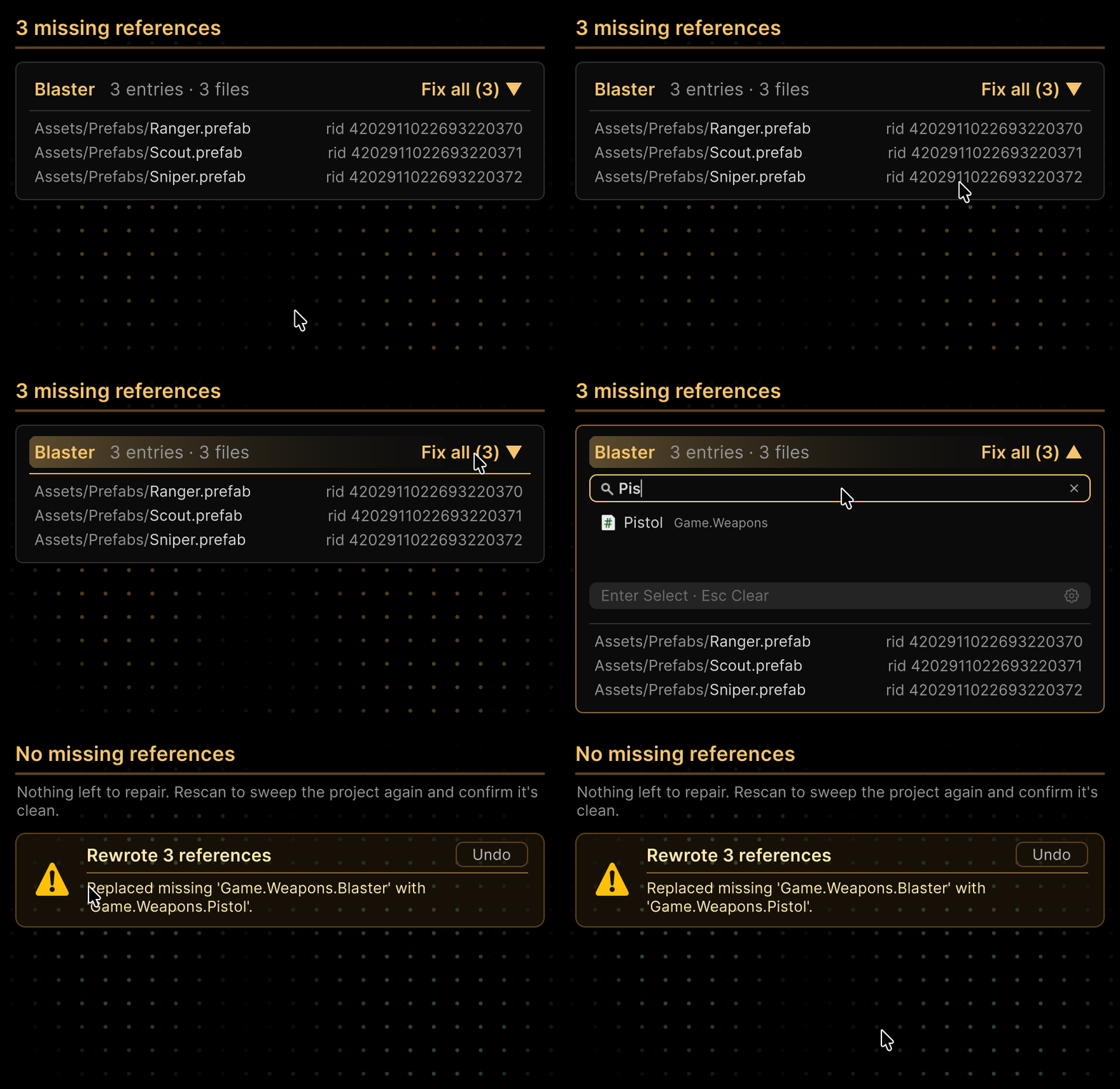
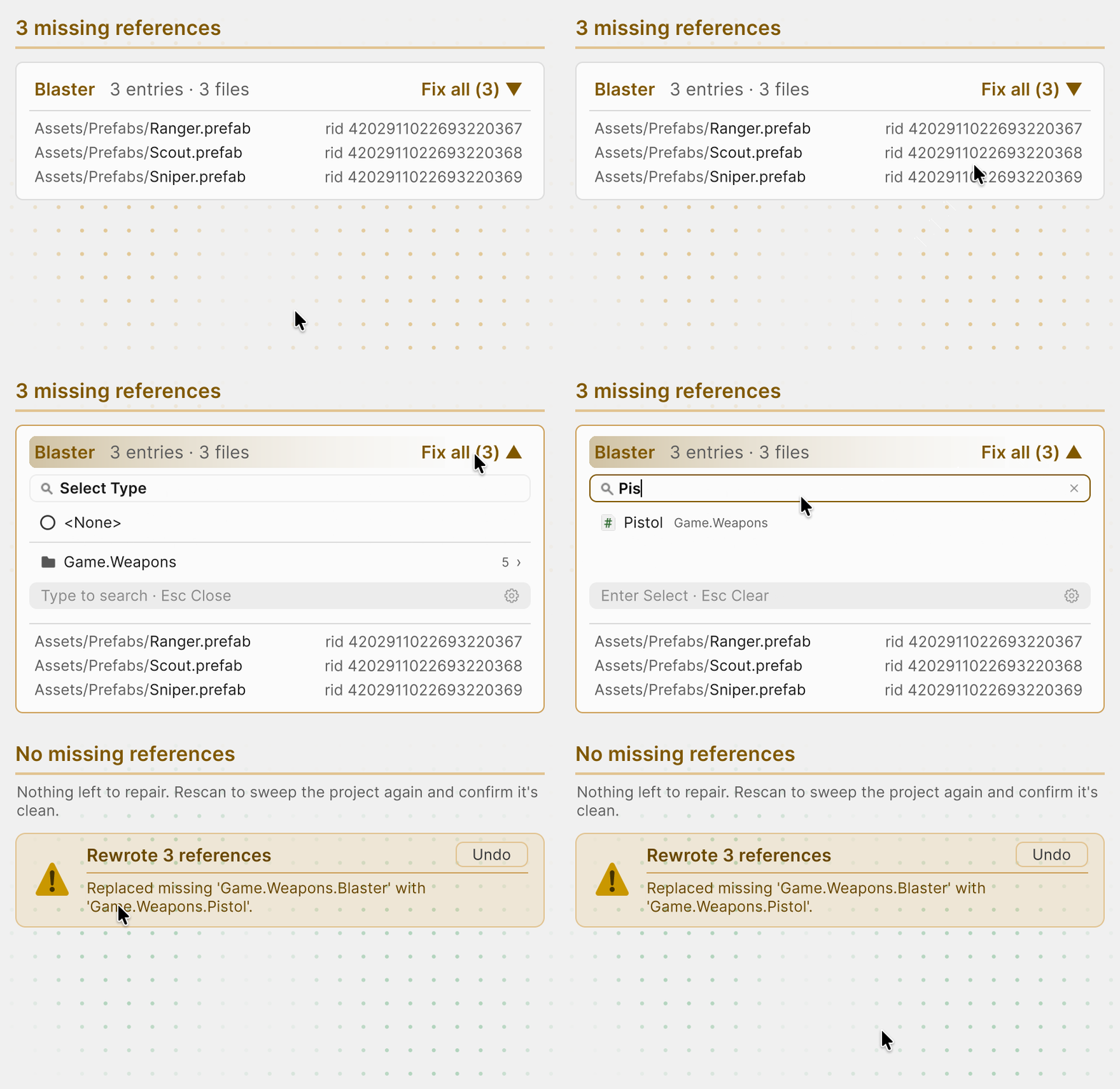
Finds missing [SerializeReference] references and SerializableType names across the project and repairs them in groups. Build and CI checks catch new ones before release.
Maps enum keys to values (multipliers, colors, assets) that you edit in the Inspector, flags included.
Editor & tooling
public void Step(){ using var _ = this.Marker(); using (this.Marker().WithName("Steering")) Steer(_agents); using (this.Marker().WithName("Integrate")) Integrate();}
Marks a section with one line; the generator builds the marker name from the type, the method and the line of the call.
var header = new VisualElement() .SetPaddingX(12) .SetPaddingY(10) .AddChild(new Label("Ability Config") .SetFontSize(14));
Sets element properties, styles and events in a chain, so you build a UI Toolkit tree in one expression.
manaCost .Update() .SetIntAndApply(42);
Updates the object, writes a value and applies the change in one chain. It also finds the C# field behind the property and the object that owns it.
caster.GetDisplayName();caster.GetDisplayNameWithIndex();
GetDisplayName()“Ability Caster”GetDisplayNameWithIndex()“Ability Caster (2)”
Labels objects and components with readable names, and numbers components of the same type.
public void Simulate(){ using var _ = this.Marker(); using (this.Marker().WithName("Neighbors")) FindNeighbors(); Integrate();}
Teaches a coding agent to write code with FastTools: profiler markers, type selection, EnumValues and VisualElement Extensions.
Resources
Scenes and editor tools for serialization, enum tables, profiling and editor UI.
Package types, methods and properties.
Changes and fixes by version.
Help and support
Found a bug or have a question?
Include your Unity version, package version and steps to reproduce.
Support the project
Enjoying Aspid.FastTools?
Aspid.FastTools is developed in spare time. If it helps you, support its development on the Unity Asset Store.