EnumValues Sample
A walker crosses surface tiles, and each surface's color, trail and speed come from tables in the Inspector.
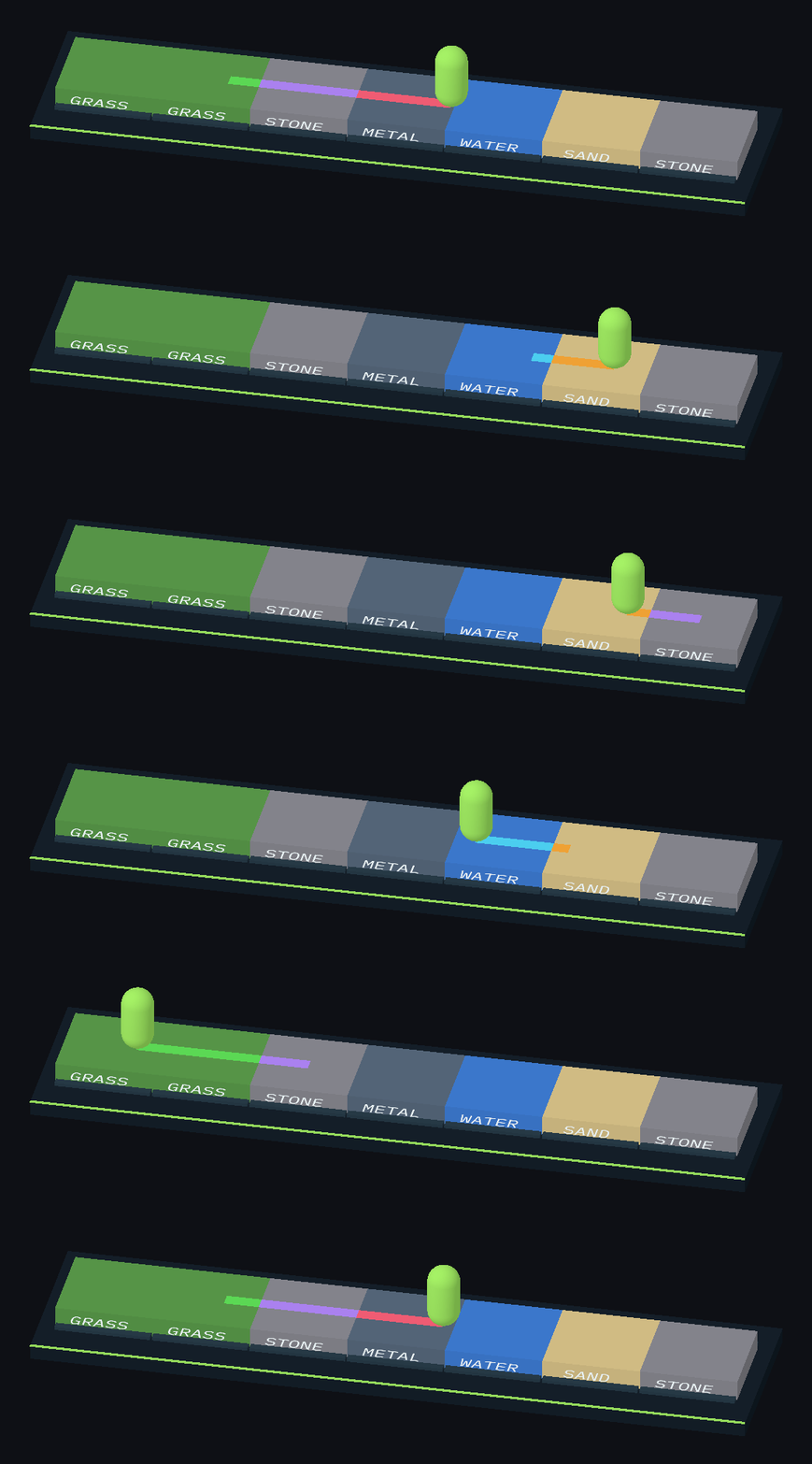
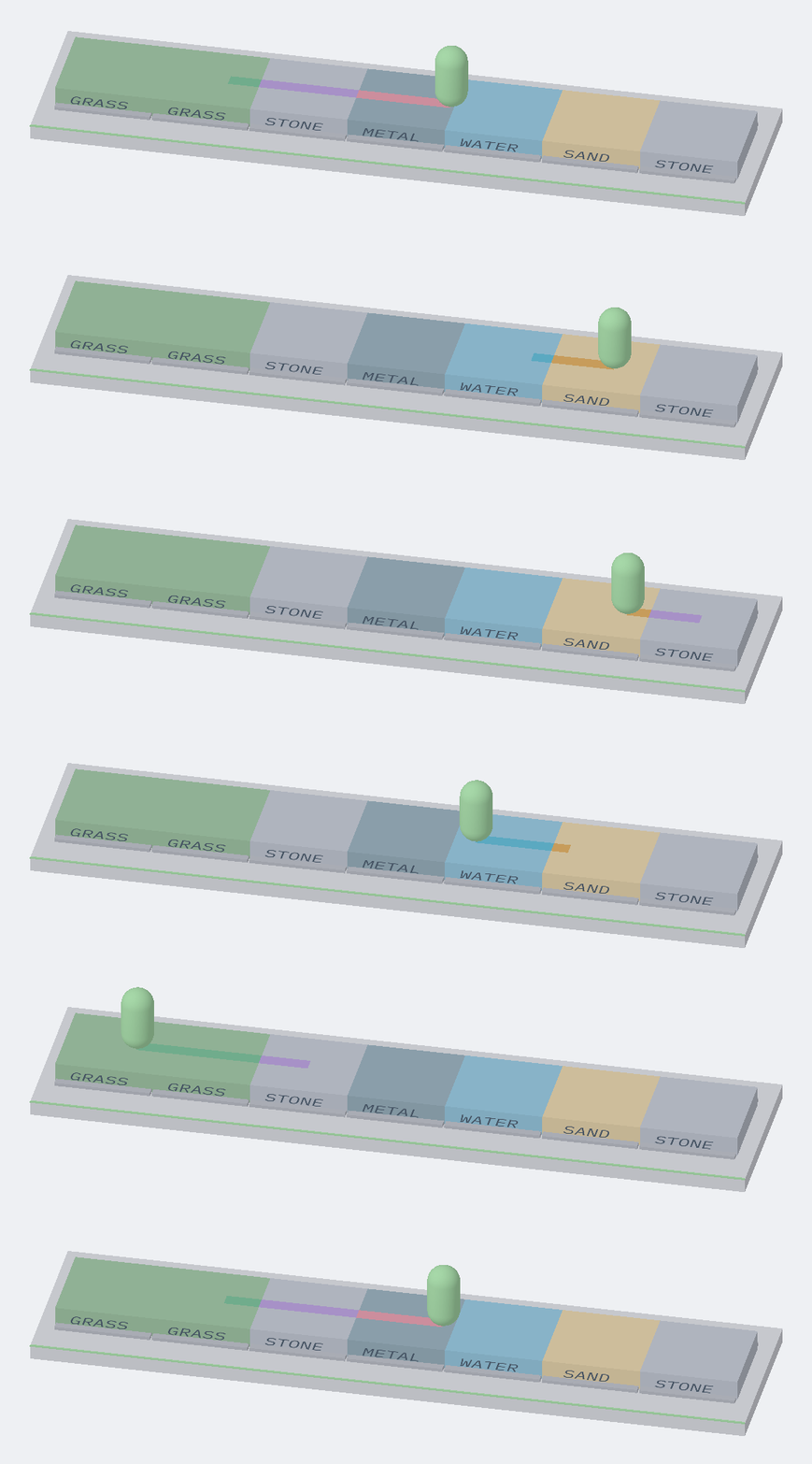
The walker crosses different surfaces and leaves a continuous colored trail.
Open it
- Import the sample: Tools → Aspid 🐍 → FastTools → Welcome → Samples → Import on EnumValues.
- Open
Scenes/EnumValues.unityand enter Play Mode: the walker speeds up on hot metal, slows down on wet and soft tiles, and leaves a trail in each surface's color.
Needs Unity's built-in Physics module; without it the sample scripts do not compile.
Try
1. Enum fixed in code
Select Data/SurfacePalette.asset and change the Grass color in Tile Colors: the tiles recolor right away, without Play Mode. The enum type in the table header is read-only: the field declares it.
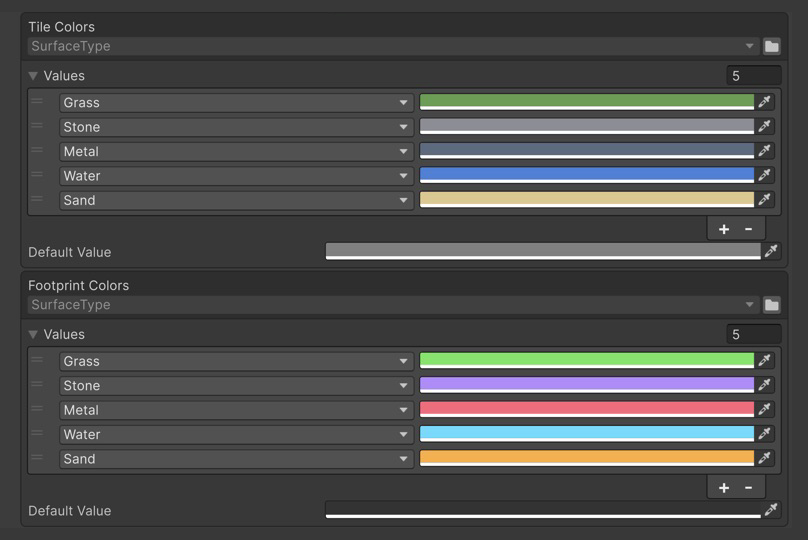
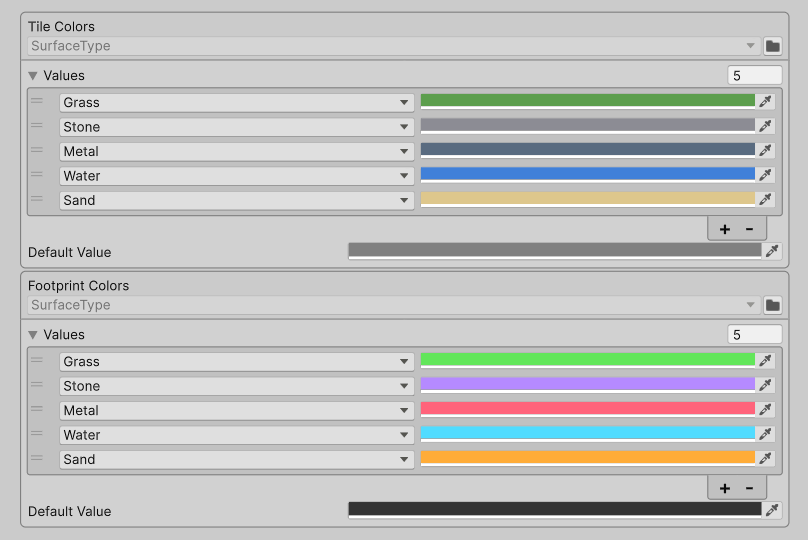
Tile Colors and Footprint Colors, each with its own Default Value.
[SerializeField] private EnumValues<SurfaceType, Color> _tileColors;

public Color GetTileColor(SurfaceType surface) =>
    _tileColors.GetValue(surface);
2. Default value
Remove the Stone row from Footprint Colors and enter Play Mode: the trail on stone takes the table's Default Value. The code does not change and checks no key:
public Color GetFootprintColor(SurfaceType surface) =>
    _footprintColors.GetValue(surface);
Right-click the table → Populate Missing Enum Members adds the Stone row back at the end of the list with the default value; Undo returns the original palette.
3. Enum picked in the Inspector
Select Walker. The Speed By Terrain table declares only its value type, and the TerrainFlags enum is picked in the table header. A row can hold several flags: the Wet + Slippery row gives 0.5.
[SerializeField] private EnumValues<float> _speedByTerrain;

var speed = _speed * (_tile == null ? 1f : _speedByTerrain.GetValue(_tile.Flags));
4. [Flags] lookup
GetValue picks one row, with Speed By Terrain as set up in the scene:
| Key | Row | Multiplier |
|---|---|---|
Wet, Slippery (the Water tile) | the exact Wet + Slippery row, although Wet and Slippery rows exist | 0.5 |
Wet, Hot | the first row whose flags are all in the key: Wet, above Hot | 0.8 |
None | none, the table's Default Value | 1 |
Multipliers of several matching rows are never added or multiplied.
5. Iteration
Right-click Walker → Log Tables: foreach yields the configured rows in list order, without the default value.
foreach (var (flags, multiplier) in _speedByTerrain)
    Debug.Log($"Speed x{multiplier:0.00} on [{flags}]", this);
6. A new enum member
Add Ice at the end of SurfaceType and set one tile's Surface to Ice: the tile and its trail take the tables' default values until you add Ice rows.
Where to look
| File | Shows |
|---|---|
Scripts/SurfacePalette.cs | EnumValues<TEnum, TValue> on a ScriptableObject |
Scripts/Walker.cs | Both variants in a component, GetValue on a plain and a [Flags] key, foreach |
Scripts/TerrainFlags.cs | The [Flags] enum with combinable members |
Reference: EnumValues.