ProfilerMarkers Sample
A flock of cubes whose every frame phase shows up in the Profiler under its own name.
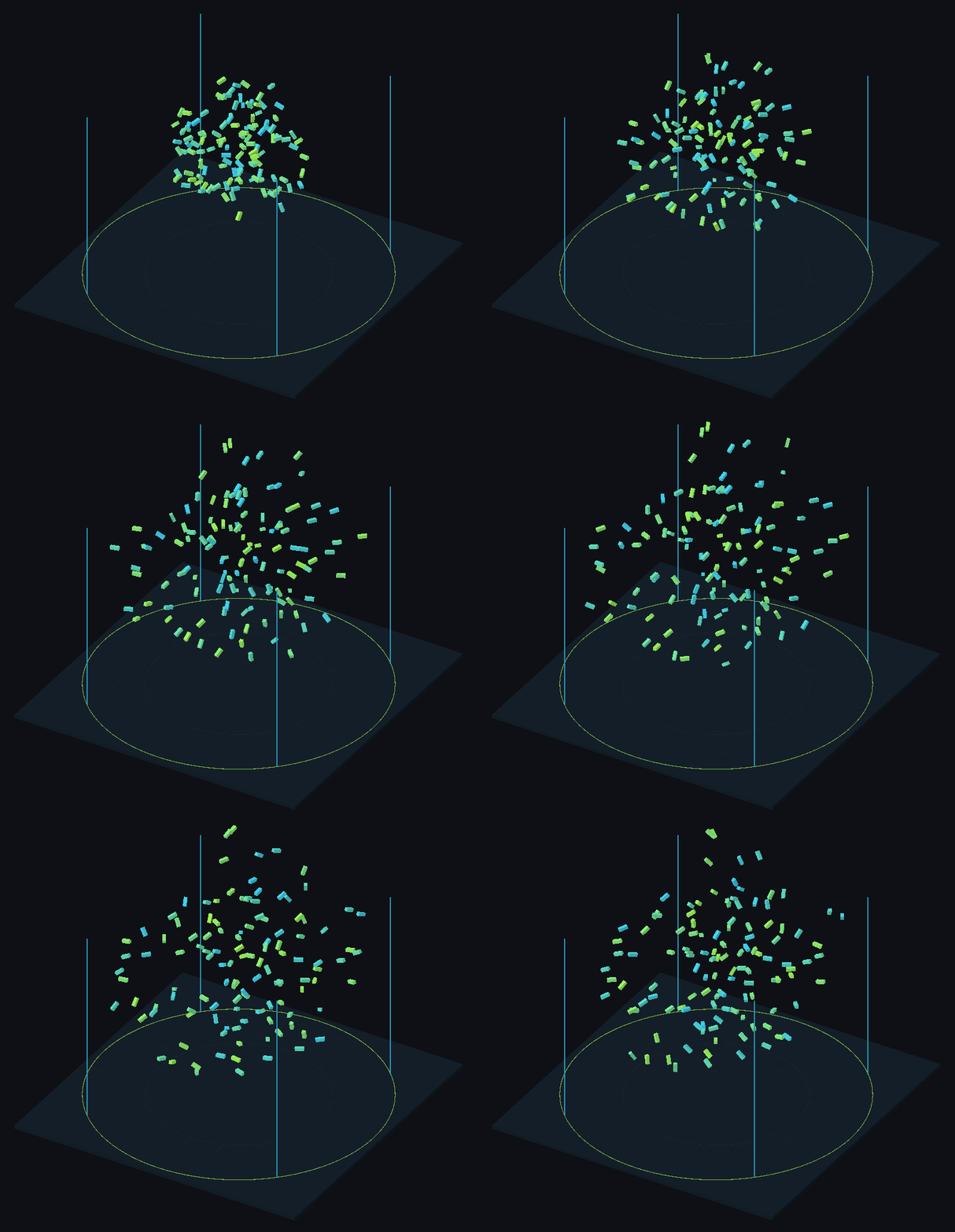
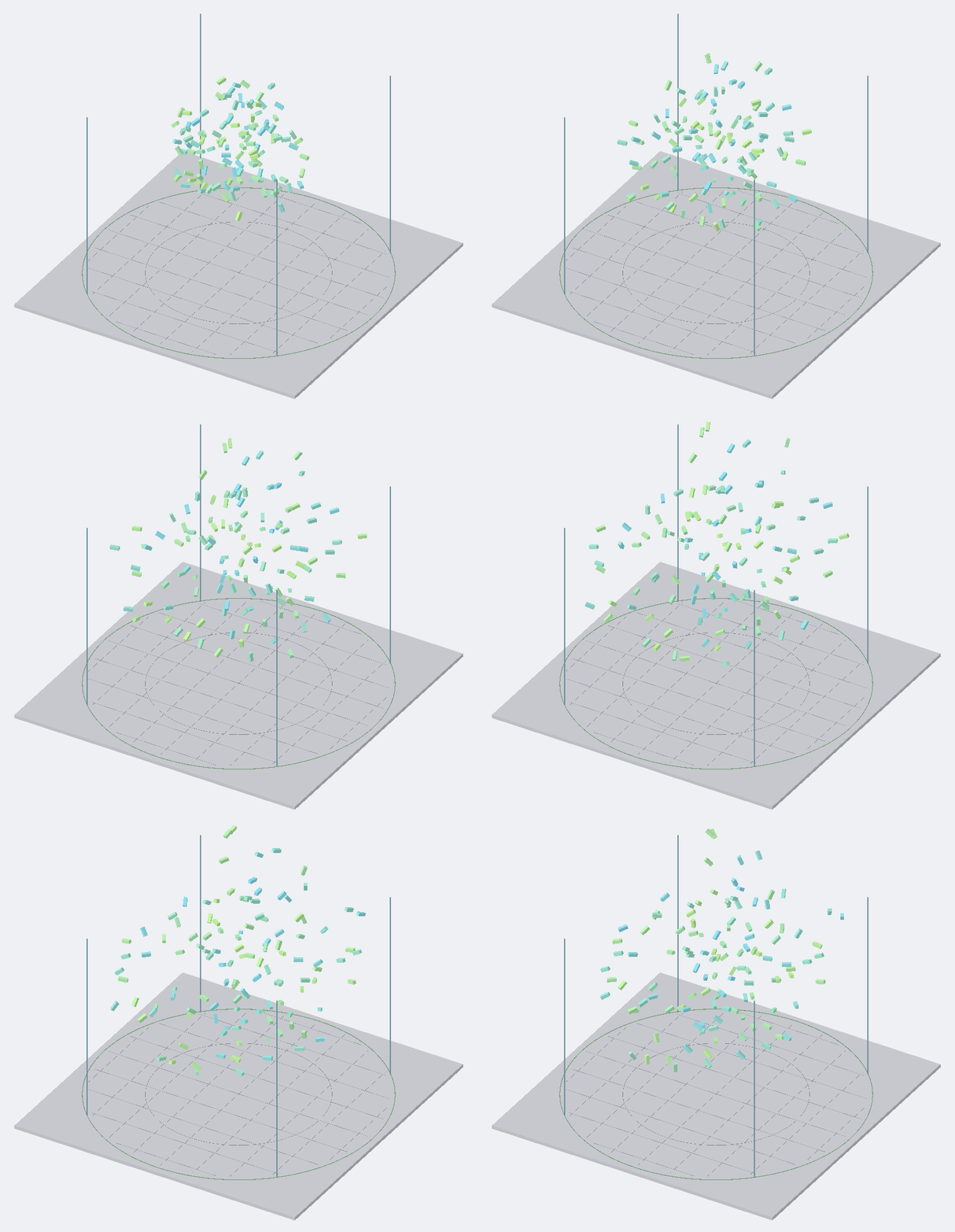
The flock simulation whose phases the markers measure.
Open it
- Import the sample: Tools → Aspid 🐍 → FastTools → Welcome → Samples → Import on ProfilerMarkers.
- Open
Scenes/ProfilerMarkers.unityand Window → Analysis → Profiler, enter Play Mode and select a frame in the CPU module. - In the Hierarchy view, expand
PlayerLoopdown toFlock.Update (74), under Unity's ownFlock.Update() [Invoke]row.
Needs Unity's built-in Physics module; without it the sample scripts do not compile.
Try
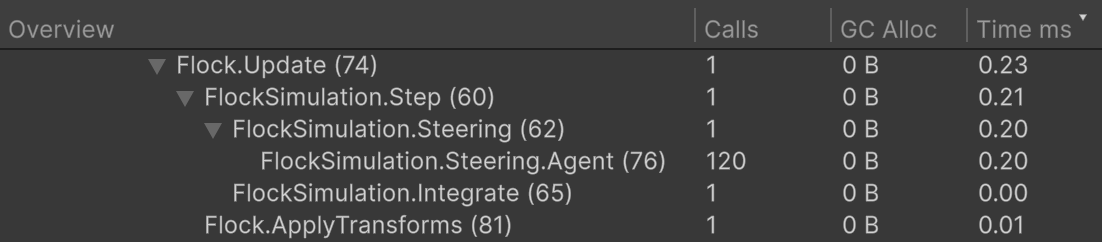
The markers under Flock.Update nest like the code; FlockSimulation.Steering.Agent has 120 calls for 120 agents.
-
The tree follows the
usingscopes. UnderFlock.UpdatesitFlockSimulation.Stepand, next to it,Flock.ApplyTransforms; underStepsitFlockSimulation.SteeringandFlockSimulation.Integrate. Nothing wires the nesting, the scopes in the code do:public void Step(float deltaTime, float neighborRadius, float maxSpeed){using var _ = this.Marker();using (this.Marker().WithName("Steering"))ComputeSteering(neighborRadius);using (this.Marker().WithName("Integrate"))Integrate(deltaTime, maxSpeed);} -
One marker per loop.
FlockSimulation.Steering.Agentsits inside the loop over the agents: the Profiler shows one row withCallsequal to the agent count, not a row per agent. -
More agents. In Play Mode, raise Count on Flock to
400: the next frame recreates the flock,CallsofFlockSimulation.Steering.Agentbecomes400, andFlockSimulation.Steeringtakes longer. -
Not only MonoBehaviour.
FlockSimulationis a plain C# class, and its markers work the same way. The marker in the local functionCreateAgentis named after the enclosing method,Flock.InitializeAgents (53): find it in the first frame or in the frame where Count changes, withCallsequal to the number of agents created. -
The line number in the name. Every name ends with the line of its call,
FlockSimulation.Steering (62), so markers on different lines of one method never share a name, and a moved call changes its number. Search the Profiler forFlockto list every marker of the sample. -
Release builds. The generated marker code is wrapped in
#if ENABLE_PROFILER: in a player build without Development Build the calls measure nothing and returndefault.
Where to look
| File | Shows |
|---|---|
Scripts/FlockSimulation.cs | Method-wide, block and per-iteration markers in a plain class |
Scripts/Flock.cs | The frame entry point, a marker inside a local function |
Reference: ProfilerMarkers.