Types Sample
A spawner whose enemy type and wave pattern are picked in the Inspector, without touching code.
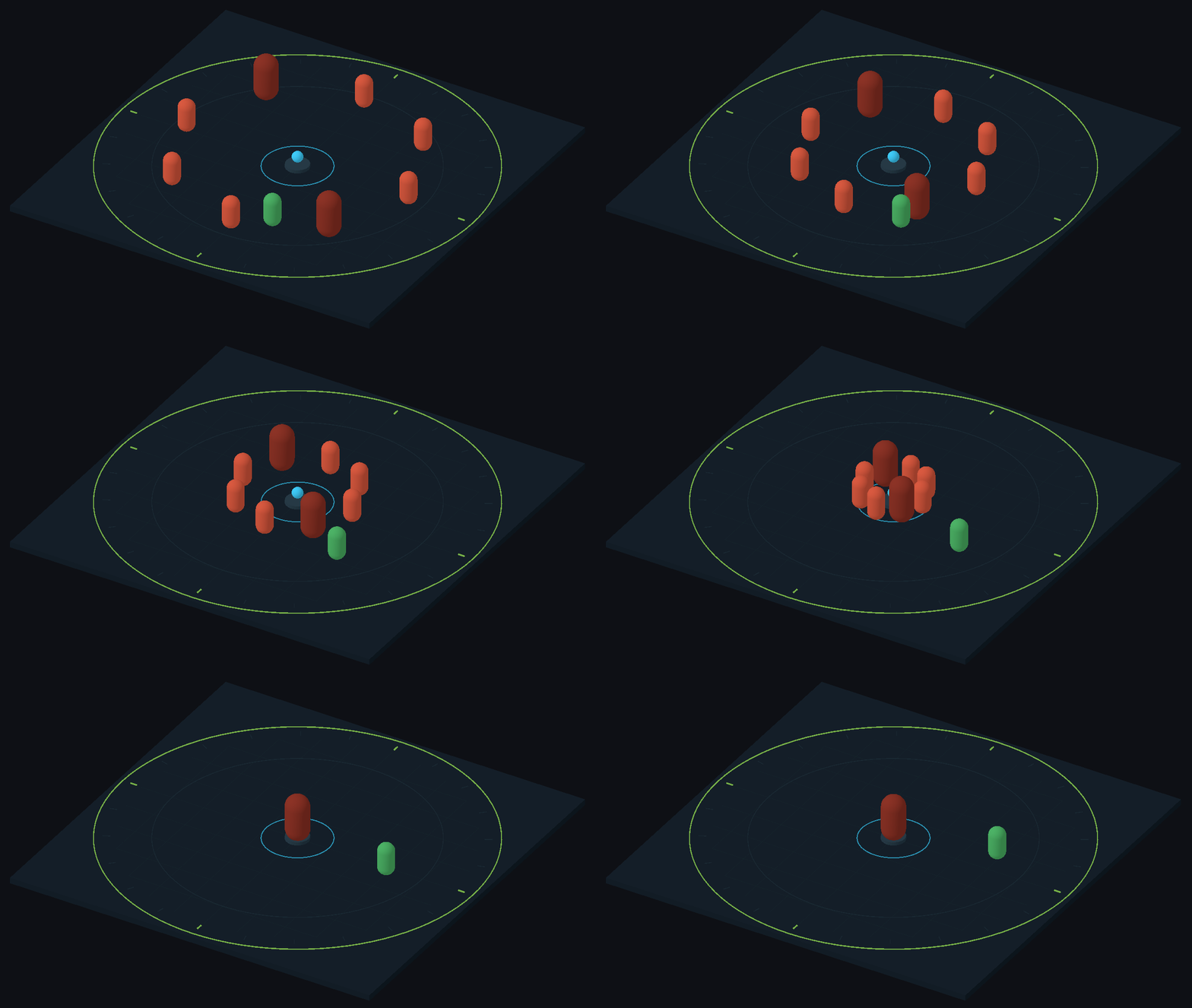
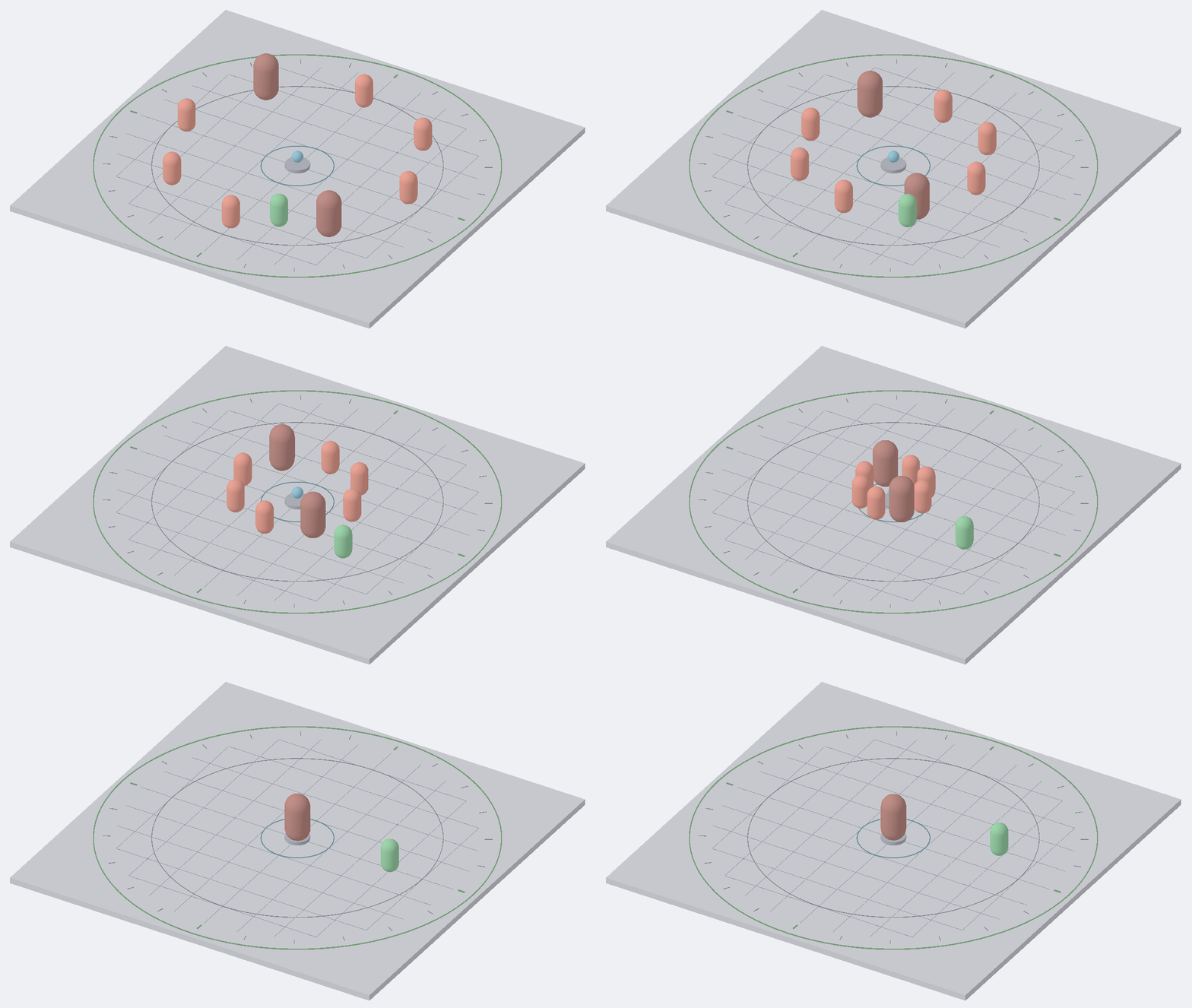
A wave of regular and elite enemies moves toward the center.
Open it
- Import the sample: Tools → Aspid 🐍 → FastTools → Welcome → Samples → Import on Types.
- Open
Scenes/Types.unityand enter Play Mode: every six seconds eight enemies appear in a circle, every fourth one anArmoredGrunt, and walk to the center.
Try
Exit Play Mode and select Enemy Spawner.
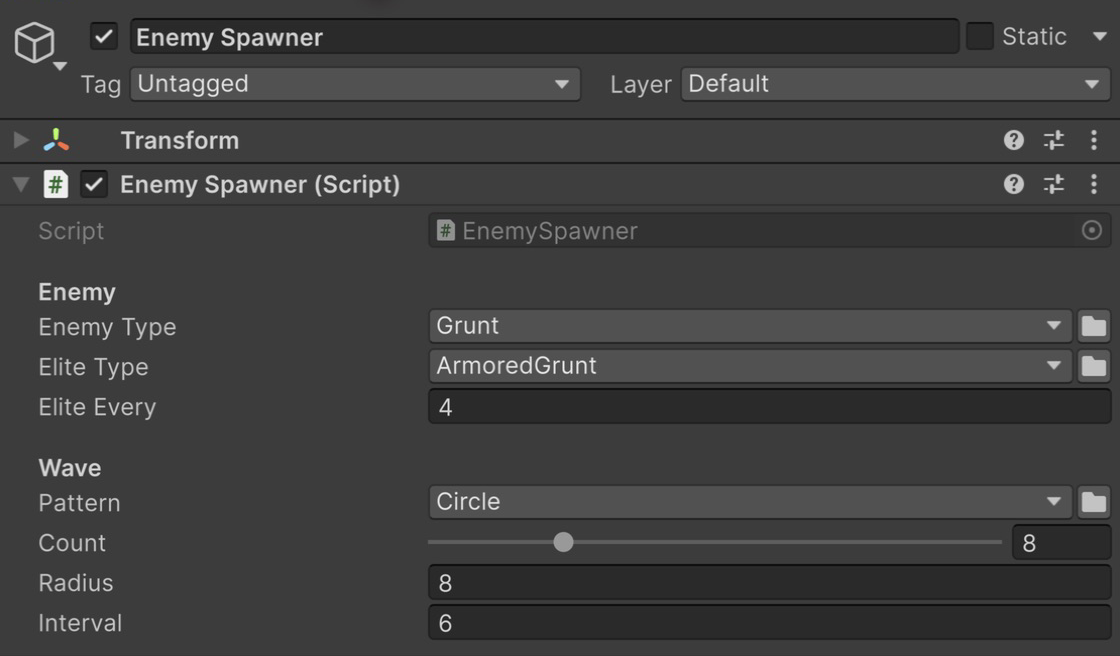
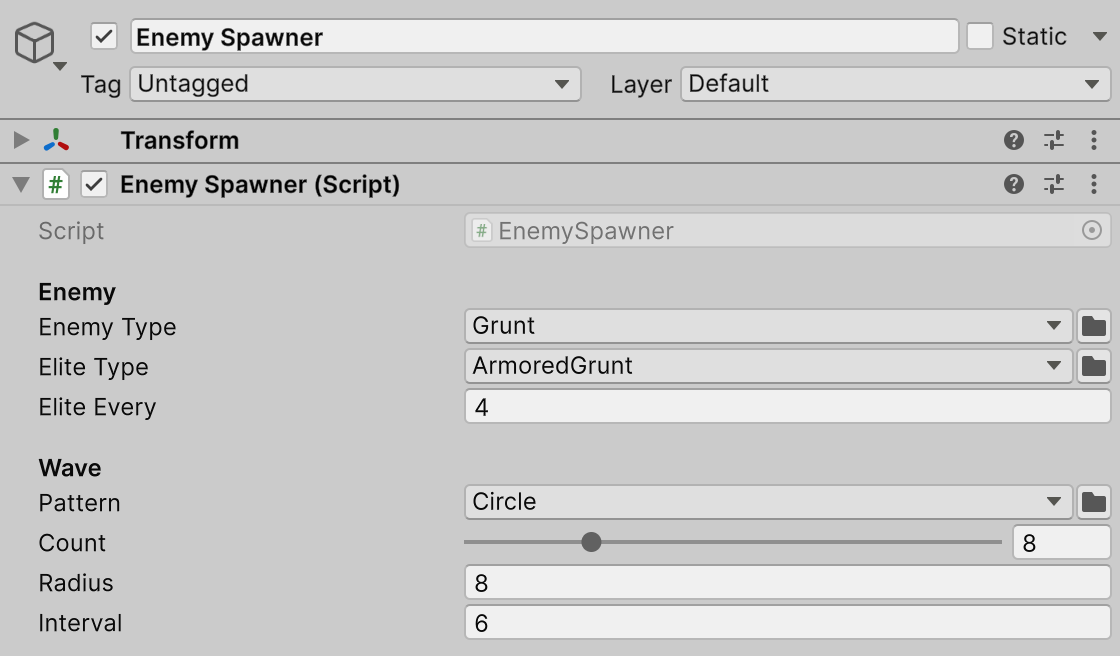
Enemy types and spawn pattern in the Inspector.
- A component type that survives a rename. Enemy Type is a
SerializableMonoScript<Enemy>: along with the class name, the field keeps a reference to the script asset. Rename the class inScripts/Enemies/Grunt.cstoFootman, together with the file and its.meta, so that the derivedArmoredGruntis updated too. After the recompile the field readsFootman; aSerializableTypein its place would show<Missing …>. - A dependent picker. Elite Type is a string with
[TypeSelector(nameof(_enemyType))]: its picker offers only the class in Enemy Type and its subclasses. Switch Enemy Type toArcherand open Elite Type:ArcherandSniperare offered,ArmoredGruntis not. The field keepsArmoredGruntuntil you pick another type, so pickSniper. - Names, groups and icons. Open Pattern: the patterns sit in one Spawn Patterns group, each with its own name, tooltip and icon from
[TypeSelectorDisplay].OriginPatternis hidden withHidden, andAllow = TypeAllow.Noneon the field leaves out theISpawnPatterninterface itself. Pick Grid and enter Play Mode: the waves line up in a grid. - A required field. Set Enemy Type to
<None>: a notice appears under the field. Save the scene, and Project References → Scan Project and CI runs with-srGateRequiredreport the field as a violation; a player build does not check it (what each run checks). - Swap a component in place. Select Placed Enemy (swap its type) and set Health to
250. The dropdown at the top of its Inspector is theComponentTypeSelectorfield ofEnemy. SwitchArchertoBrute: Health and Speed, declared on the shared base, keep their values, and Keep Distance, which onlyArcherhas, is gone.
Where to look
| File | Shows |
|---|---|
Scripts/EnemySpawner.cs | SerializableMonoScript<T> with Required, [TypeSelector] referencing another field, SerializableType<T> with Allow = TypeAllow.None, reading each type through .Type and Type.GetType() |
Scripts/Enemies/Enemy.cs | The ComponentTypeSelector field on the base class; subclasses in the same folder |
Scripts/Spawning/ | The ISpawnPattern interface and plain C# patterns with [TypeSelectorDisplay] |
Reference: Serializable Type System and ComponentTypeSelector. See also the SerializeReferences sample for [TypeSelector] on [SerializeReference] fields and the EditorTools sample for the same picker opened from editor code.