SerializeReferences Sample
A turret whose weapons and their effects are picked in the Inspector.
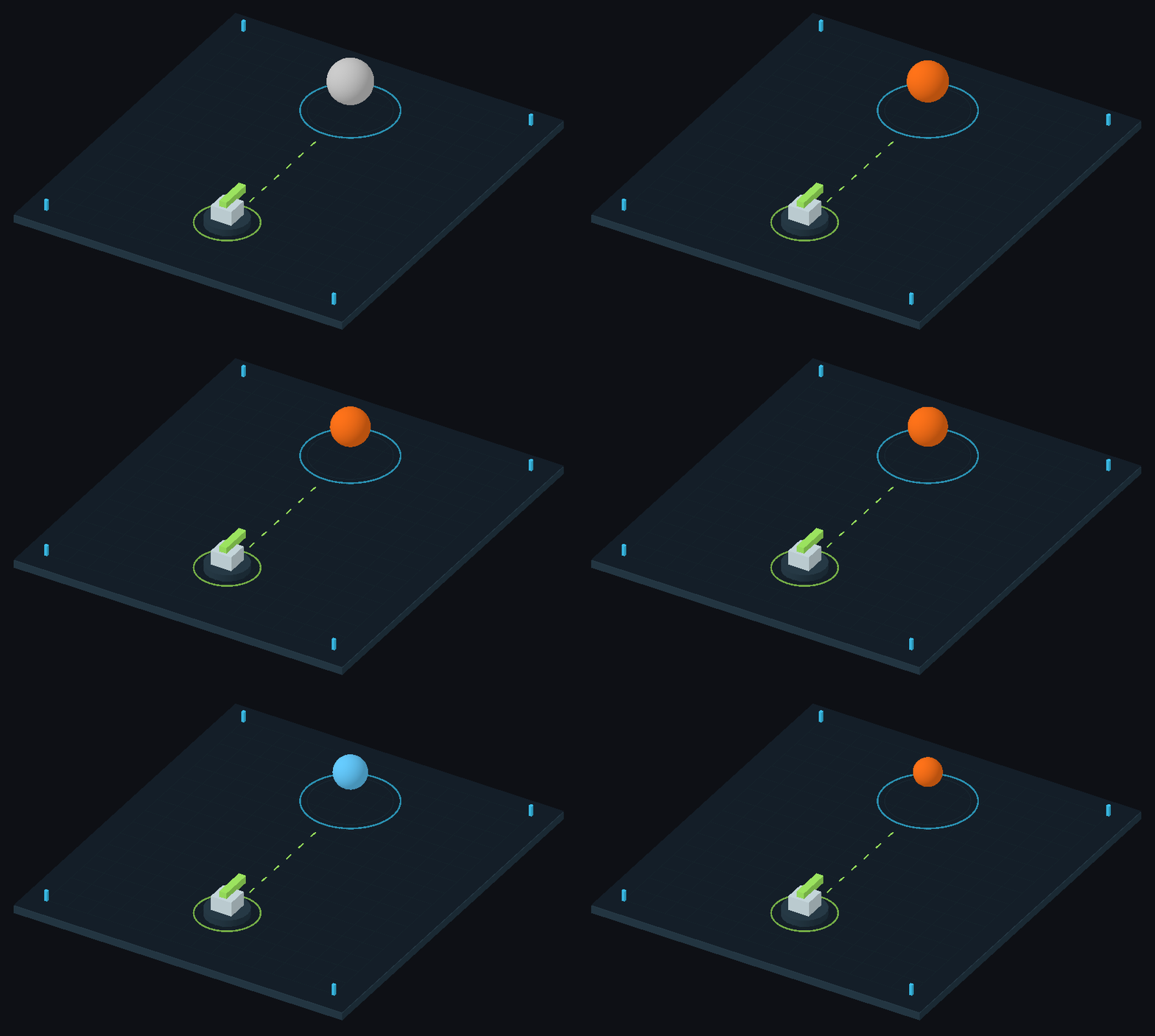
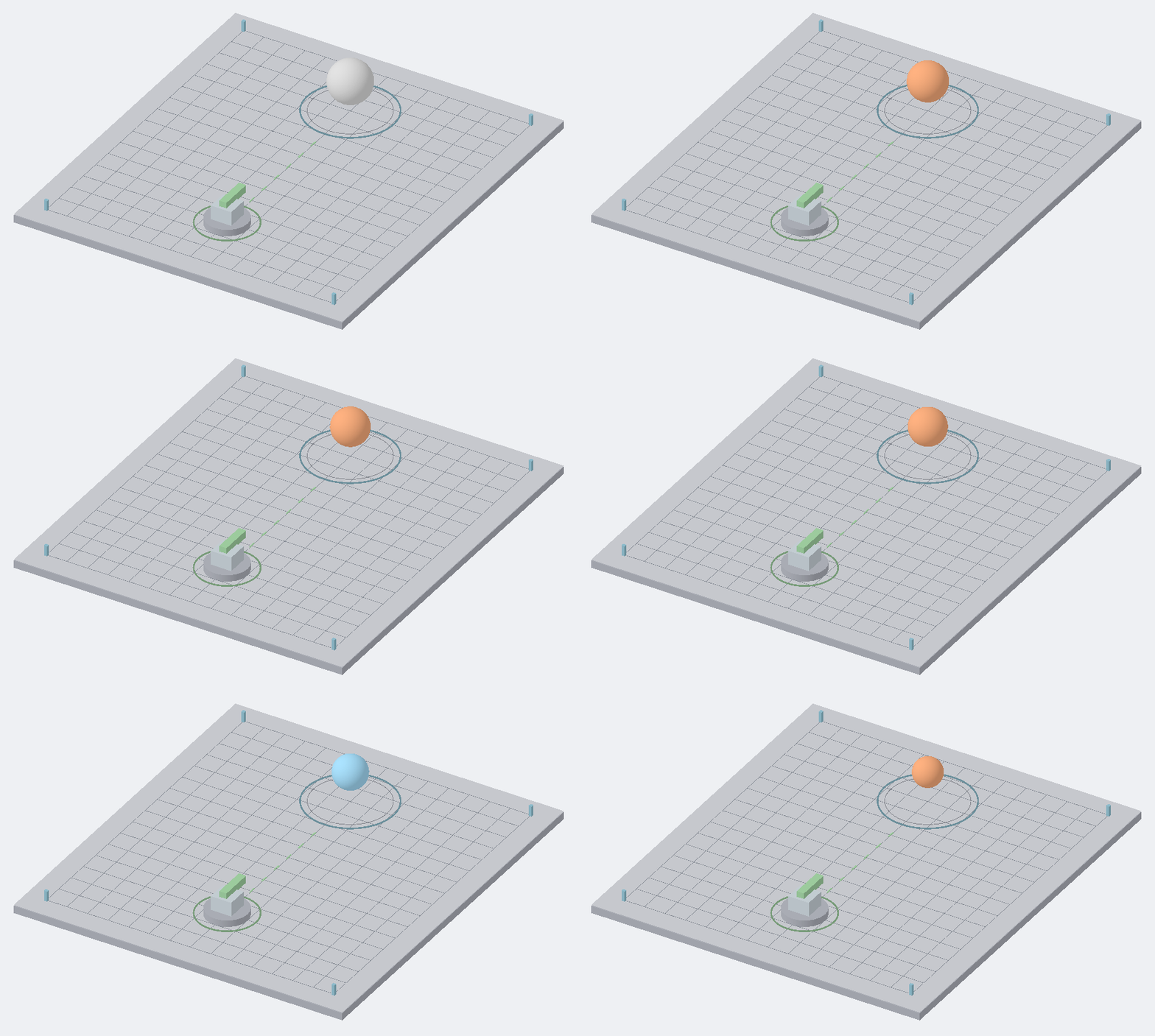
The dummy changes color and shrinks as the configured weapons and effects deal damage.
Open it
- Import the sample: Tools → Aspid 🐍 → FastTools → Welcome → Samples → Import on SerializeReferences.
- Open
Scenes/SerializeReferences.unityand enter Play Mode: the primary weapon and the sidearms take turns hitting the dummy.
Try
Exit Play Mode and select Loadout.
- Pick a class. Open the Primary dropdown: the picker lists every
IWeaponclass, and the picked class shows its fields under the dropdown. - Values survive a switch. In Sidearms, set the
Pistol's Damage to37, switch it toShotgunand back: Damage is still37, because both classes have_damage. - Lists. Press + on Sidearms: the picker opens, and the new element gets its own instance.
- Nested references. The
Railgunin Primary has its own[SerializeReference]field, Charge Effect, with aBurnEffect: the dummy catches fire when the railgun hits. - Abstract base. On Hit is a
StatusEffect: the picker offersBurnEffectandFreezeEffect, never the abstract class. - Header menu. Right-click a field header for copy, paste and more: every item.
Where to look
| File | Shows |
|---|---|
Scripts/Loadout.cs | [TypeSelector] on a single field, a list and an abstract base |
Scripts/Weapons/Railgun.cs | A nested [SerializeReference] |
Reference: SerializeReference Selector.